
Kitchen renovation product sourcing
Organise kitchen products and claim partner discounts
Save products from Pocketa partners, claim the current partner savings when you buy, add links from other retailers and record items you have already bought, all beside the checklist decisions they affect.
Free for UK homeowners. No credit card required.
Buy from different places, one project trail
Catalogue shortlist
Listed products saved from the published catalogue, with model notes and routes to continue on the supplier site.
Bought elsewhere
Outside purchases kept visible with links, prices and delivery notes beside the checklist.
210+ UK retail partners
Save across appliances, lighting, tools, hardware, finishes and more with 210+ retail partners beside your project.
Appliances · lighting · tools · hardware · finishes · home

Plusshop

Tooled Up

Hiatt Hardware

Hughes

Lightsin

Doulton

Custom Splashbacks

SharkNinja

Ooni
Try a live example
Watch shortlists become ordered and delivered records
Advance the example statuses to see how catalogue and bought-elsewhere products stay tied to checklist lines as the purchase trail develops.
Example only
Catalogue options and bought-elsewhere records stay in one project
You remain free to compare and buy elsewhere; Pocketa does not require a partner purchase. Statuses help you see what is shortlisted, ordered or delivered without treating Pocketa as the retailer.
Induction hob · 60 cm
Checklist line: Hob decision
CatalogueShortlistedSaved from the catalogue with model notes beside the checklist line.
Snapshot £649 · confirm on supplier site
Pull-out kitchen tap
Checklist line: Sink and tap
Bought elsewhereResearchingBought-elsewhere link saved while comparing outside the catalogue.
Link + price note only
Demo control
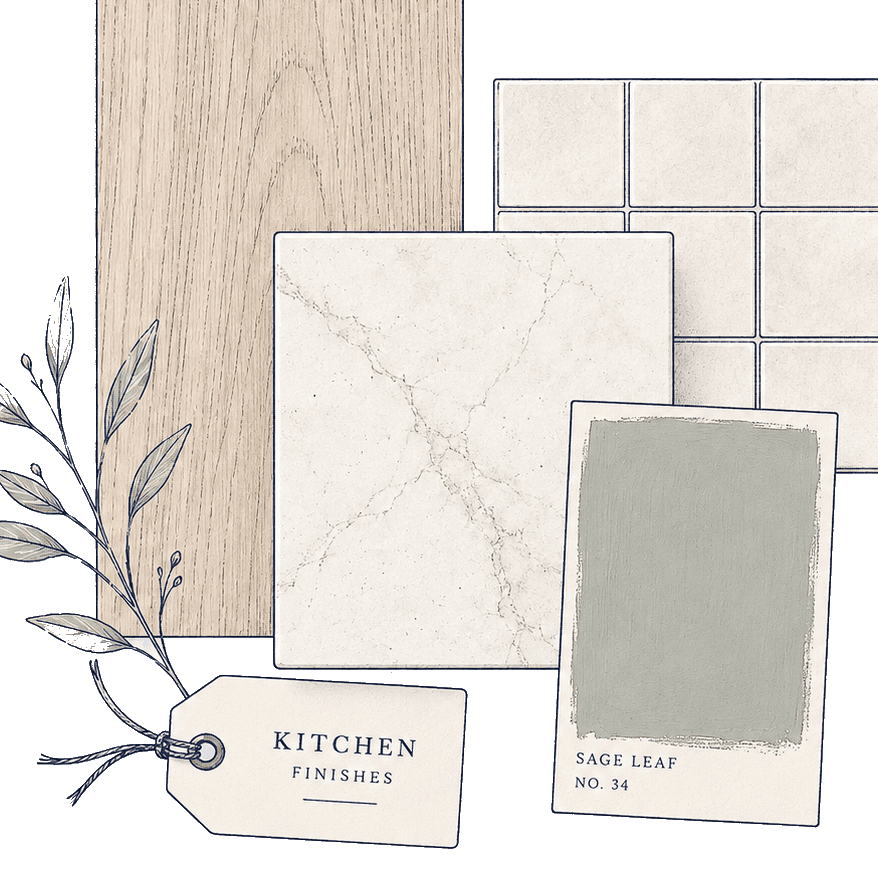 Saved products
Browse and save
Published catalogue categories help you shortlist options where content exists.
Buy elsewhere
Outside purchases remain welcome and stay visible in the same project record.
Confirm outside Pocketa
Fit, stock, price and delivery stay with the seller and qualified trades.
Free workspace, not a locked marketplace
Partner routes can support a free homeowner workspace. You can still compare and buy elsewhere. Partners cannot pay for a more prominent slot. Partner options are first limited to retailers relevant to the product or project stage; commercial terms may influence the order of eligible partner options in some retailer carousels.
How suppliers appearSourcing is an organiser for product decisions. It is not a checkout, stock system or installation guide.
SourcingWhat you can organise
The sourcing workflow Pocketa supports today
This page demonstrates the product itself. Guides about buying from different places or managing multiple suppliers remain useful renovation advice; here the focus is the workspace record.

- Capability
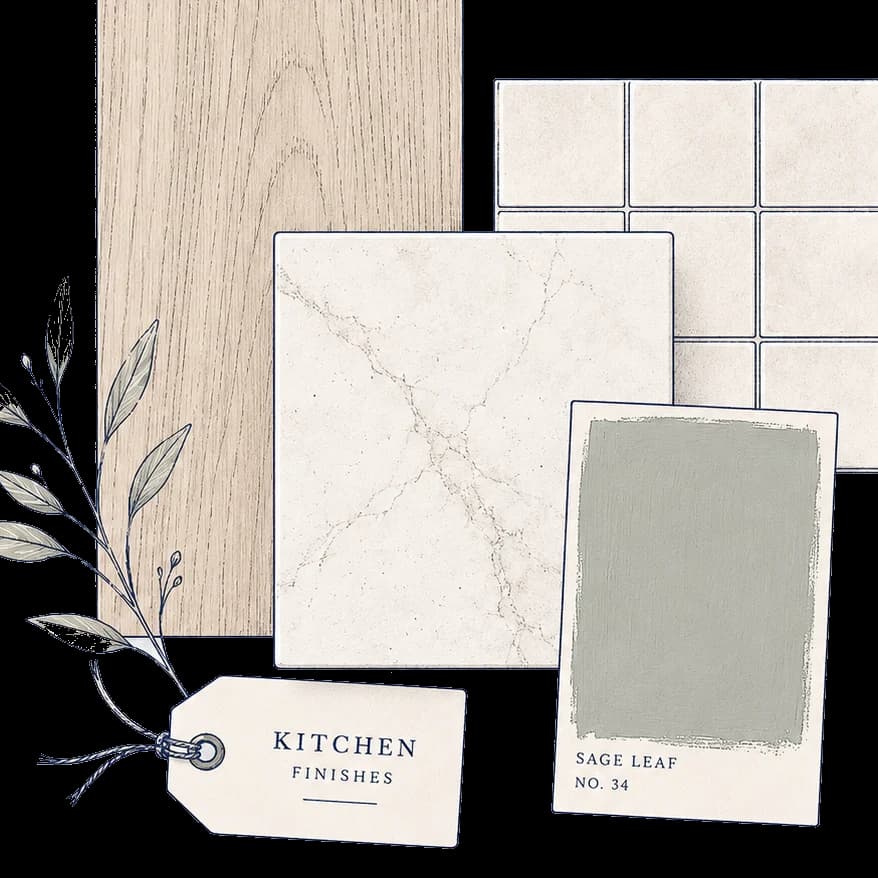
Partner discounts and bought elsewhere
Claim live partner savings from Current offers and Partner directory, browse published categories where catalogue content exists, save listed options, or log products bought from retailers outside Pocketa.
- Capability
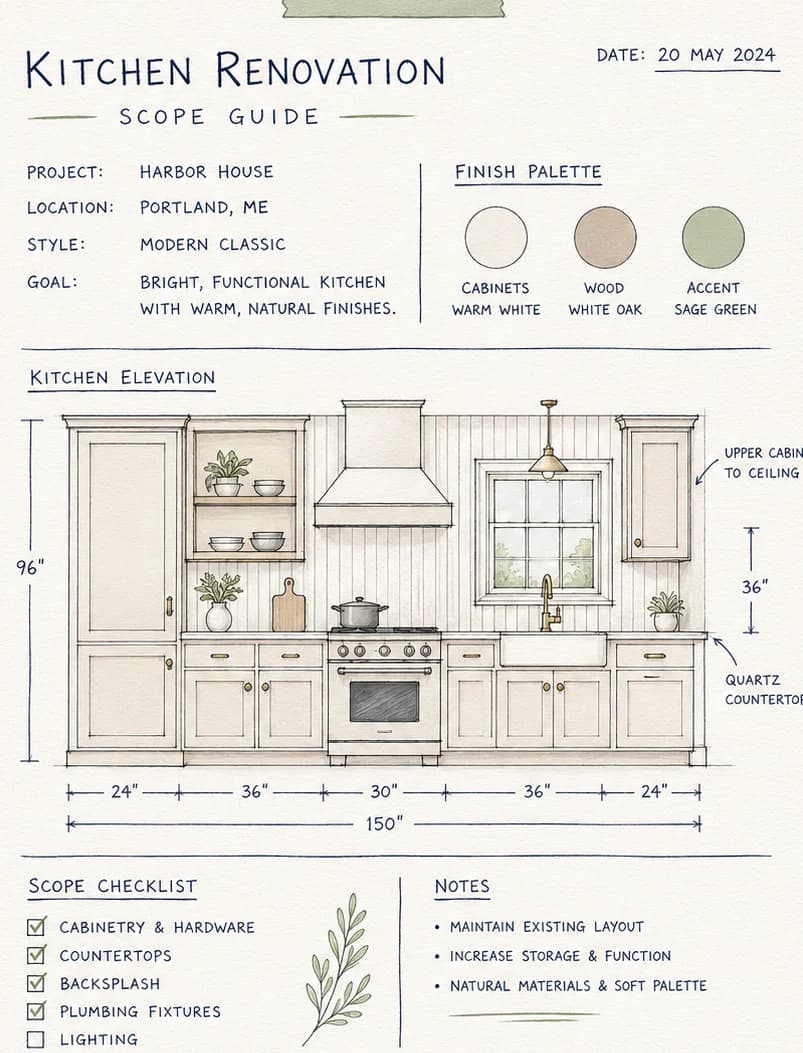
Links, specifications and notes
Keep product links, model details, price notes, questions and supplier messages beside the same project so shortlists and discounts do not scatter across tabs and emails.
- Capability
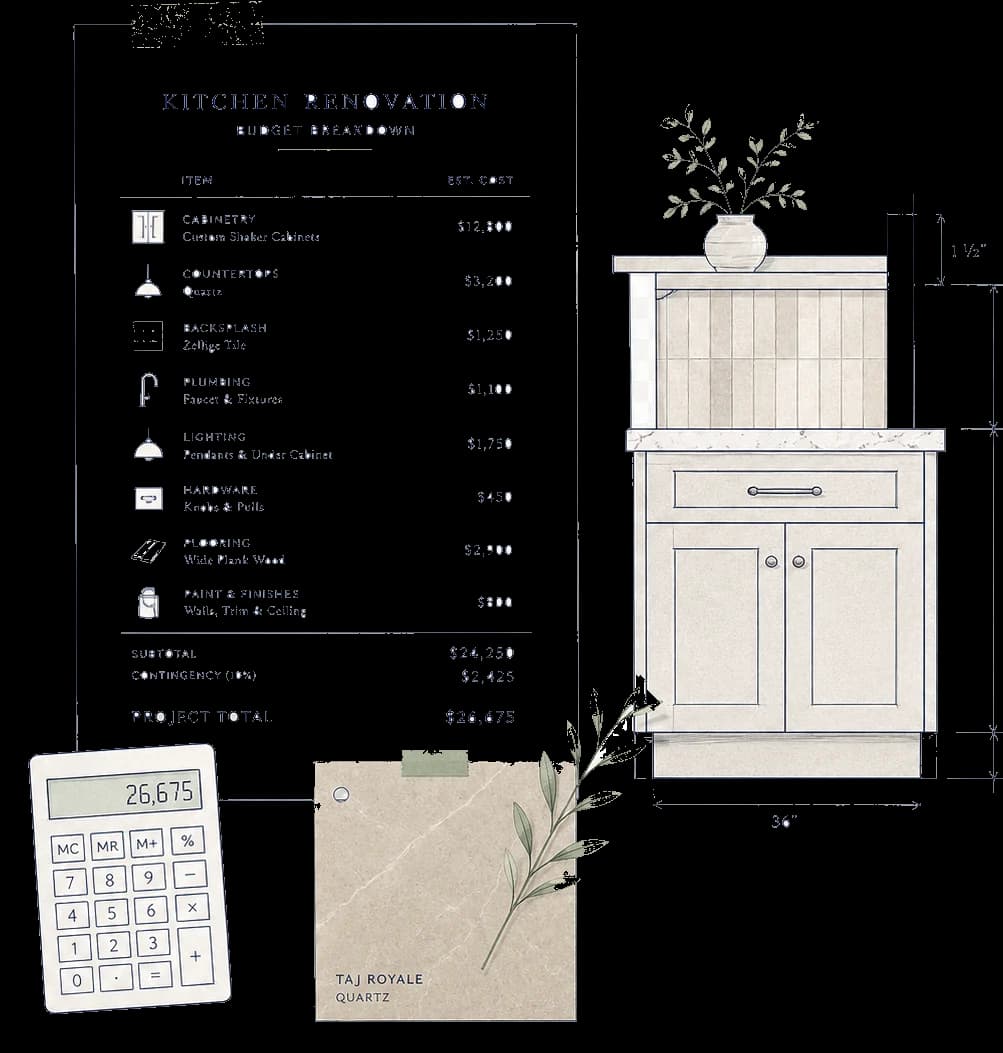
Continue, quote, consultation or sample
Continue on a supplier website, or request a quote, consultation or sample when that route is available for the supplier. Payment stays with the retailer or supplier.
- Capability

Statuses that match the purchase trail
Move products through practical statuses such as shortlisted, ordered, waiting for delivery and delivered without treating a saved option as a completed purchase.
Connected stages
How products connect to checklist and Spending
Sourcing sits between the working checklist and recorded spending. A shortlisted option is not the same as a confirmed purchase, and a confirmed purchase does not replace the planned spending line.
Checklist lines
Sourcing records can sit beside the checklist line they relate to, so a hob decision, sink choice or appliance shortlist stays connected to the working list.
Spending
When a purchase is confirmed, the recorded purchase can appear on Spending separately from planned lines, without adding the two totals together.
Supplier and delivery notes
Keep who is supplying what, delivery windows, access notes and aftercare contacts with the product record rather than relying on a single email thread.
Related pages
Choose the page that matches the job
Product planning groups
Still deciding which product groups matter for your room? Use the product planning page for orientation before shortlisting specific models.
What products do you needCost organiser
Once purchases are confirmed, keep planned lines beside recorded purchases without combining them into one misleading total.
Explore the cost organiserNeed the renovation checklist view? Open the kitchen renovation checklist page. For commercial transparency on partner routes, read why Pocketa is free or how suppliers appear.
Primary next step
Start a project record that can hold every supplier trail
Create a free kitchen project, shortlist catalogue options where available, and keep bought-elsewhere purchases visible as the real orders arrive.
Free for UK homeowners. No credit card required.