
Features
Kitchen renovation tools: manage the work, claim partner discounts and track costs
Start with the right project, manage getting the kitchen in, claim partner discounts when you buy, keep shortlists in context, and see planned and actual spending in one free workspace.
Free for UK homeowners. No credit card required.
What you can do
- 01StartStart with the right project
- 02AttentionKnow what needs attention
- 03Saved productsShop partners and claim discounts
- 04SpendingSee planned and actual spending
210+ UK retail partners
Save across appliances, lighting, tools, hardware, finishes and more with 210+ retail partners beside your project.
Appliances · lighting · tools · hardware · finishes · home

Plusshop

Tooled Up

Hiatt Hardware

Hughes

Lightsin

Doulton

Custom Splashbacks

SharkNinja

Ooni
See it in action
Setup answers shape a real checklist, not a generic template
Try the example below: choose a stage and a few product areas to see how the checklist preview responds using the same status language as the workspace.
Example only
Setup answers shape a checklist preview
Choose a project stage and up to three product areas. The preview uses the same kind of skip, rename and status language as project setup. It does not create an account or save a project.
Confirm project stage and work type
Always included from setup
SortedCabinets and doors
Added for review from your product areas
To reviewWorktops
Added for review from your product areas
To reviewAppliances
Added for review from your product areas
To reviewCheck first-fix and electrical capacity
Prompted early so services are not left late
To review
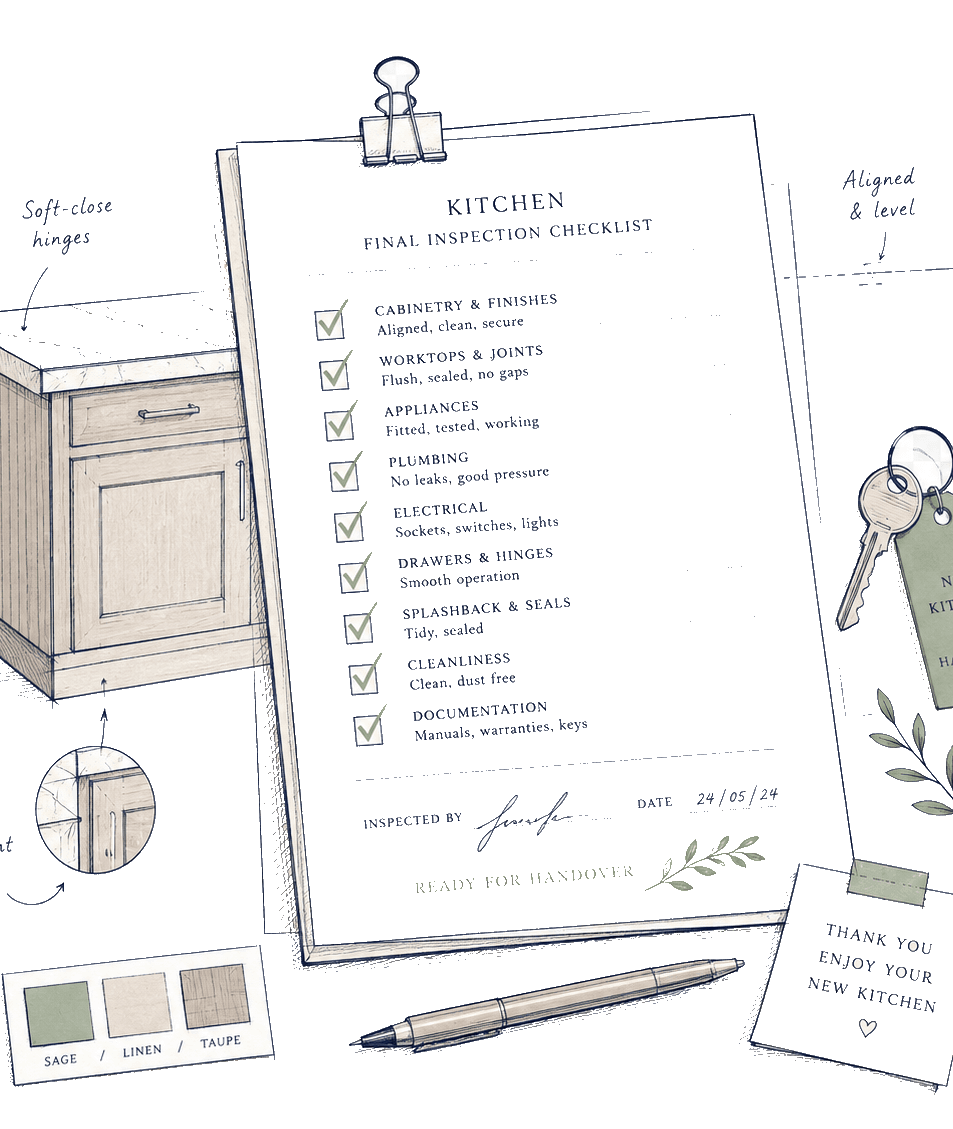
Setup context
Record project stage, work type, possible layout change, product areas and what is already sorted.
Editable lines
Setup answers can skip, rename or reorder newly generated lines so the starting structure reflects the recorded scope.
Agree the live sequence
Use the checklist to prepare questions and coordinate decisions with your trades. Confirm measurements, services and regulated work on site.
Four areas of the workspace. Open a specialist page when you want more depth.
Feature overview- StageSpecialist page
Start with the right project
Create the initial project context and, if useful, get a UK planning range before supplier quotes arrive.
Project setup context
Record project stage, work type, possible layout change, product areas and what is already sorted.
Quick and detailed UK cost checks
Use room scale, project scope, finish and service choices to produce indicative planning bands, not a quote. Refine them with real supplier quotations.
Cost-driver and uncertainty prompts
See choices that may move the range and information still worth confirming with suppliers, fitters or qualified trades.
Turn a cost range into a project
Review what detailed-estimator answers, assumptions and category starting points can carry into project setup.
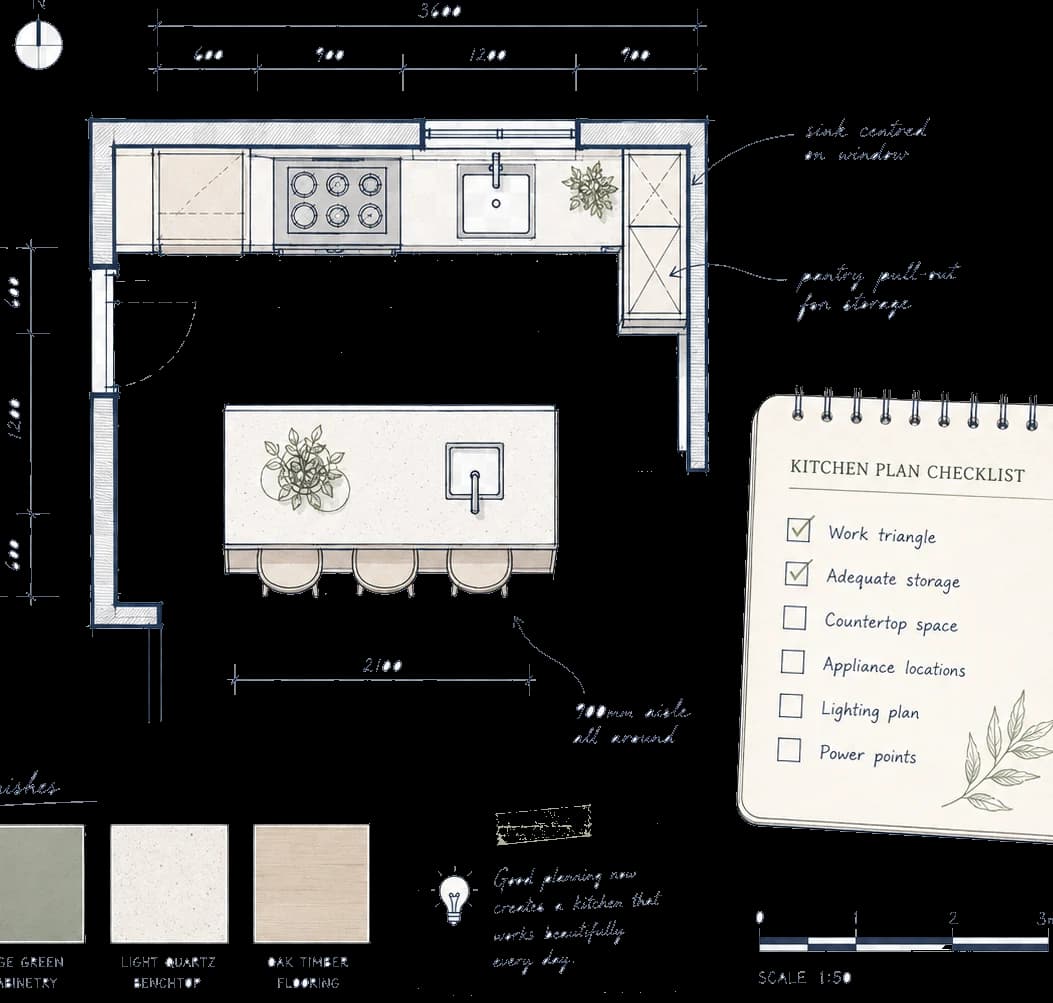
Test baseline variables without an account, then decide whether to carry the result into a project.
- StageSpecialist page
Know what needs attention
Turn setup context into Manage your renovation: the checklist for getting the kitchen in, under your control.
Setup-shaped checklist generation
Setup answers can skip, rename or reorder newly generated lines so the starting structure reflects the recorded scope.
Editable lines and statuses
Add manual items, update notes and statuses, hide lines that do not apply and keep settled work visible.
Reviewed setup changes
When setup changes later, preview proposed additions, updates and reordering before accepting or dismissing them.
Prompts when decisions connect
Get a prompt when one decision affects another, such as measurements before finalising a connected product. You stay free to continue.
- StageSpecialist page
Shop partners and claim discounts
Keep partner shortlists, Current offers and products bought elsewhere beside the same kitchen project.
Partner shops and Current offers
Open Partner directory and Current offers for live retailers and curated discounts, plus published catalogue categories and supplier pages where available.
Claim deal beside the checklist
When a buy decision is open, Claim deal and partner Visit links sit beside the relevant section so useful discounts are harder to miss.
Saved products and project notes
Save listed products to a project, then keep specifications, questions and decision notes nearby.
Bought-elsewhere records
Add external product links, prices and text notes so purchases made outside Pocketa remain visible in the project.

See how catalogue shortlists, partner discounts, bought-elsewhere records, statuses and supplier notes sit beside checklist and Spending.
- StageSpecialist page
See planned and actual spending
Keep planning figures and confirmed purchase records visible on Spending without combining them into one misleading total.
Editable planned spending lines
Add, edit and group planning ranges by category, including category starting points reviewed from an estimator handoff.
Recorded purchase total
Confirmed purchase records form the source of truth for recorded spending and appear separately from planned line notes.
Product-to-spending links
Link saved or bought-elsewhere products to planned lines and apply a reliable product price as a planning note where useful.
Duplicate-figure warnings
Potentially matching planned notes and purchase amounts can be flagged for review to reduce accidental double counting.

See how planned spending lines and recorded purchases remain distinct as real costs arrive.
Example only
Planned spending stays separate from recorded purchases
Planned spending and recorded purchases are kept separate so the two totals are not added together.
Planned spending
£8,100
- Cabinets£4,200
- Worktops£1,800
- Appliances£2,100
Recorded purchases
£900
- Cabinet deposit£900
Demo control
Planned spending
Editable planned spending lines hold planning ranges and optional notes.
Recorded purchases
Confirmed purchase records form the source of truth for recorded spending.
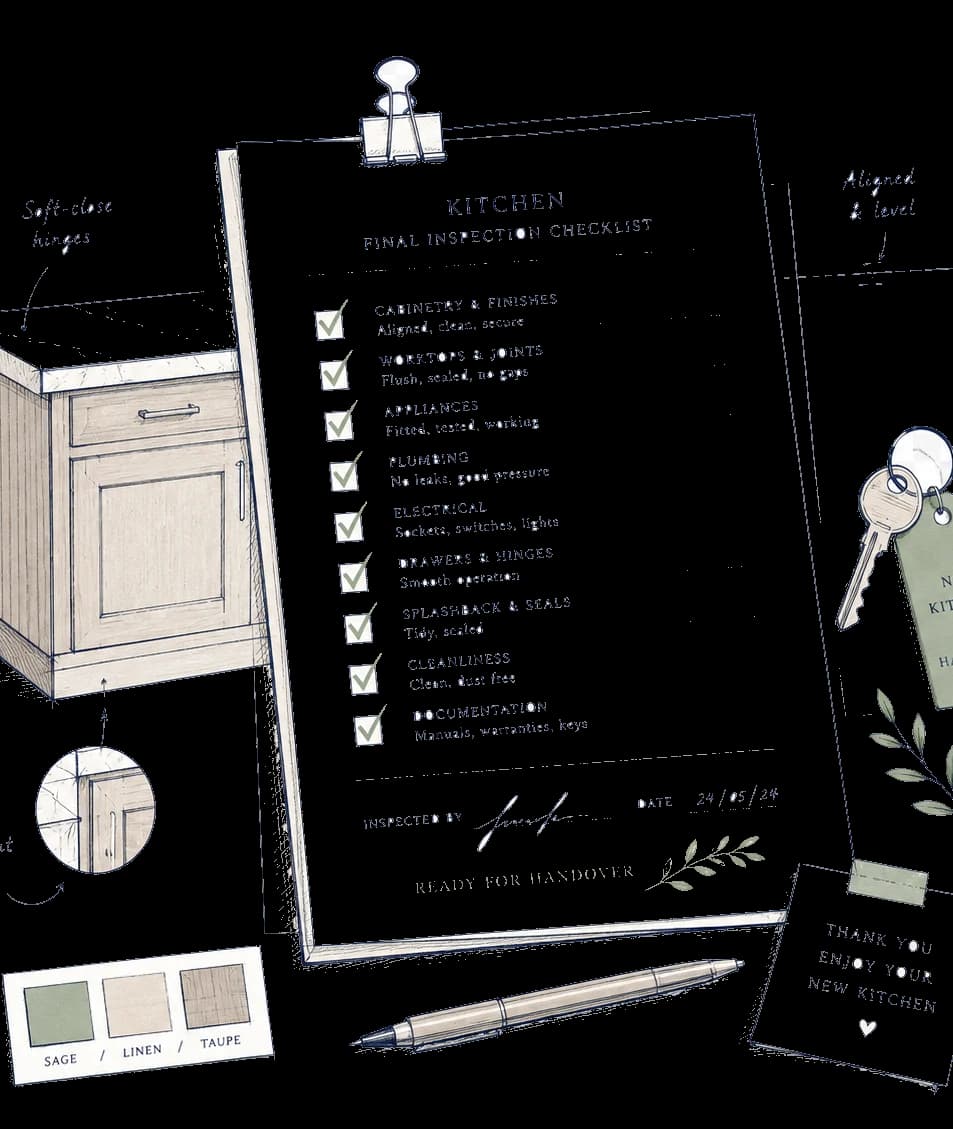
Responsibility boundary
What Pocketa organises, and what others confirm
Pocketa organises
Someone else confirms
Checklist and project records
Technical suitability
Product links and notes
Current price and stock
Planning ranges
Supplier or trade quotes
Open questions
On-site compliance
Bought-elsewhere and spending lines
Contracts, invoices and warranties
Open your workspace at the setup stage
Create your secure account, record the initial project context and generate your editable checklist when setup is complete. Sourcing and cost capabilities become useful as you add real project information.
Free for UK homeowners. No credit card required.