











PocketaSmart, organised renovationsPlan. Source. Renovate.

How Pocketa works

Four steps to run the renovation and save with partners

Tell Pocketa where you stand, manage getting the kitchen in, claim partner discounts when you buy, and track costs and next steps. Try each step in a free project as you go.

Free for UK homeowners. No credit card required.

One continuous composition

One homeowner-controlled record

  1. 01Tell Pocketa where your project standsSetup
  2. 02Manage the kitchen until it is inManage your renovation
  3. 03Save products and claim partner discountsSaved products and Current offers
  4. 04Track costs and what happens nextSpending

Scattered notes become a renovation line, then saved products, spending and one organised folder. You can still join midway and mark what is already settled.

190+ UK retail partners

Save across appliances, lighting, tools, hardware, finishes and more with 190+ retail partners beside your project.

Appliances · lighting · tools · hardware · finishes · home

Browse all partners
  • Plusshop logo, a Pocketa retailer partner

    Plusshop

  • Tooled Up logo, a Pocketa retailer partner

    Tooled Up

  • Hiatt Hardware logo, a Pocketa retailer partner

    Hiatt Hardware

  • Hughes logo, a Pocketa retailer partner

    Hughes

  • Lightsin logo, a Pocketa retailer partner

    Lightsin

  • Doulton Water Filters logo, a Pocketa retailer partner

    Doulton

  • Custom Splashbacks logo, a Pocketa retailer partner

    Custom Splashbacks

  • SharkNinja logo, a Pocketa retailer partner

    SharkNinja

  • Ooni logo, a Pocketa retailer partner

    Ooni

Visual proof

See the workspace before you sign up

Switch Checklist, Products and Spending in the screenshot-style preview, then try the matching step in your own free workspace below.

www.pocketa.co.uk/app/projects/…

Project workspace

Oak Street kitchen · mid renovation

Illustrative layout

Project checklist

In progress

Checklist progress for this kitchen

  • Cabinets and doors
    Sorted
  • Worktops
    Sorted
  • Appliances
    To review
  • Sinks and taps
    To review
  • Lighting
    To review
  • Flooring
    In progress
  • Tiles and splashbacks
    Bought elsewhere
  • Finishing details
    Not needed

Follow one project

See information move through the renovation

Rather than four separate diagrams, one trail shows how a single record carries context forward: from room notes to an organised project folder. Scroll the stages below to light each part of the same composition.

One continuous record

Information moves through the renovation

A room note enters the project frame, becomes a checklist line, gathers products and quotes, then leaves a spending record, finishing as one organised folder. Scroll the stages below to light each part of the same composition.

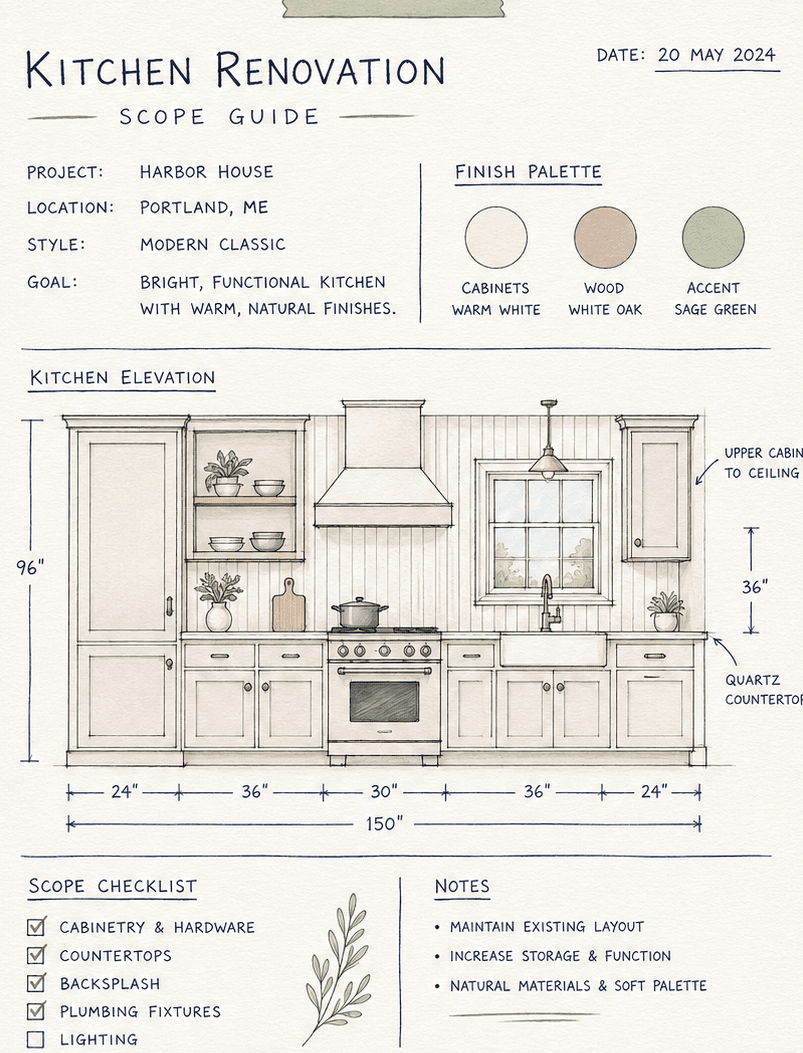
  1. INScattered notes
    Project scope note sheet fragment

    Room notes, quotes and open questions arrive separately.

    Carried forward
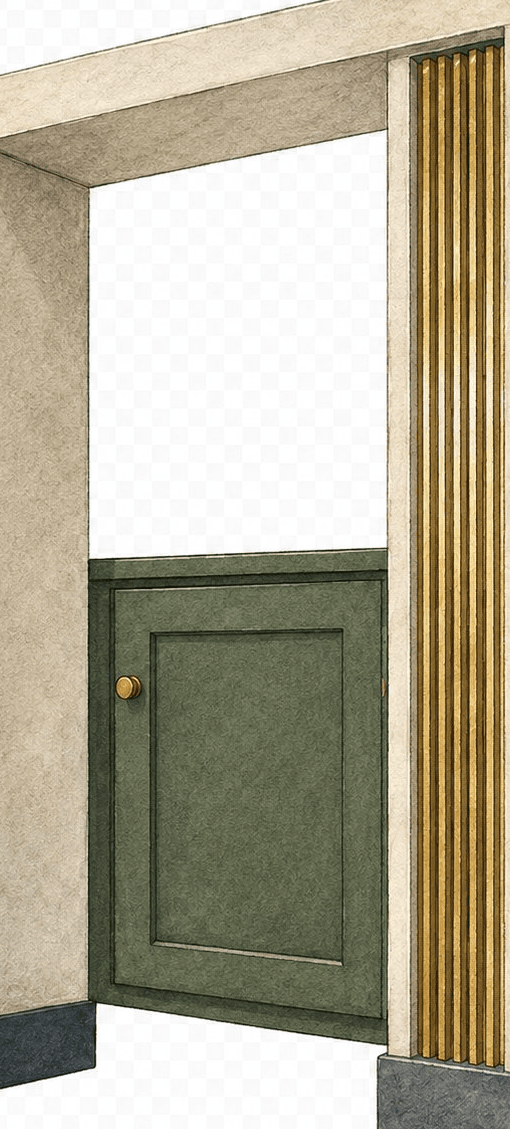
  2. 01Project frame
    Doorway and cabinet divider illustration fragment

    Setup gathers stage, scope and what is already sorted.

    Carried forward
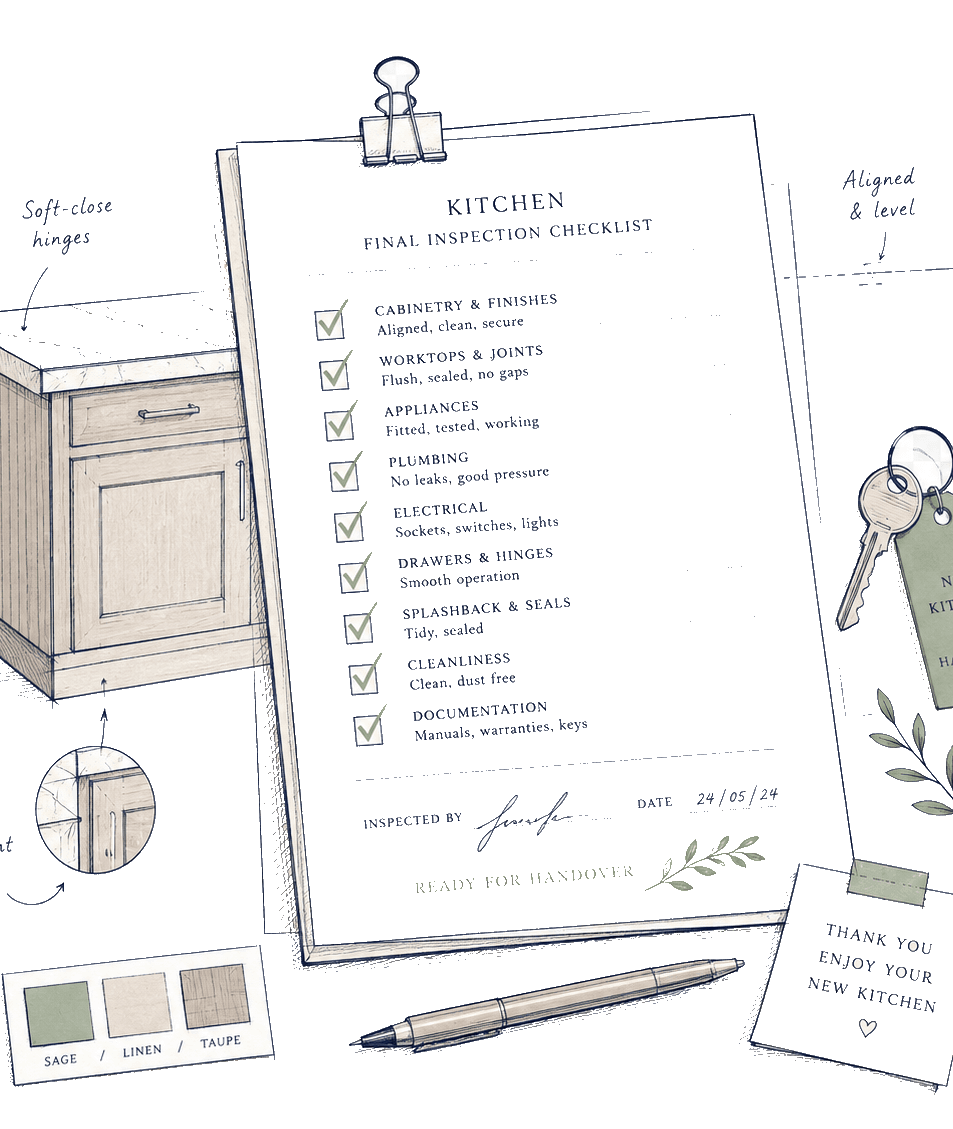
  3. 02Manage your renovation
    Inspection checklist sheet fragment

    The same context becomes the checklist for getting the kitchen in.

    Carried forward
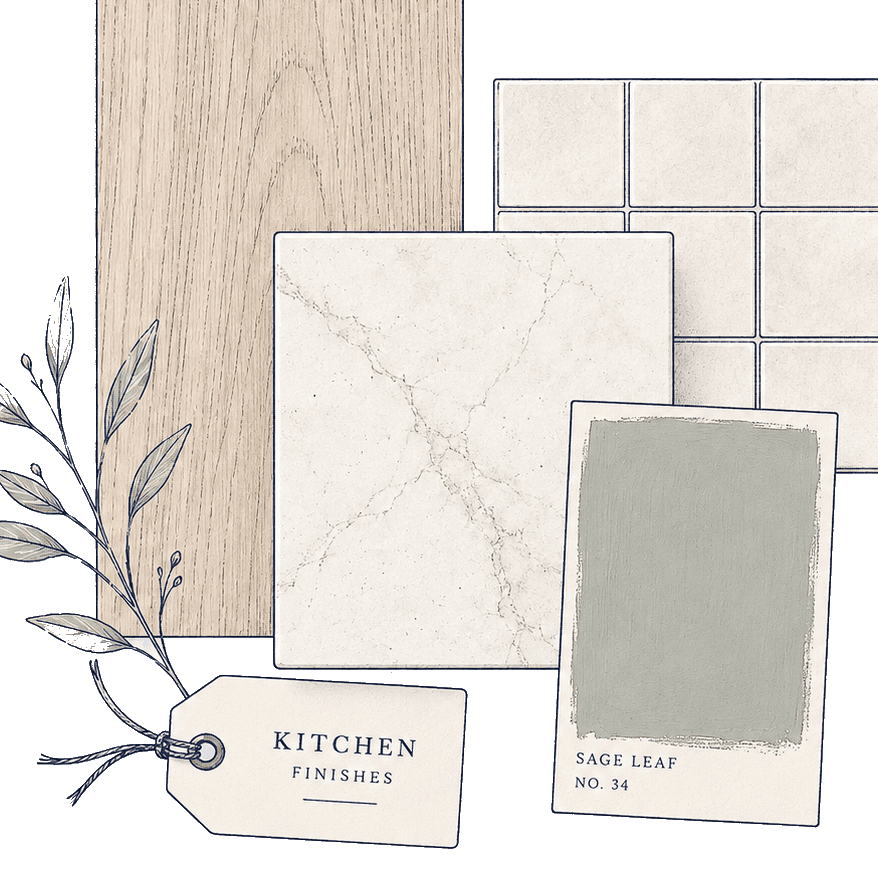
  4. 03Saved products
    Kitchen finish sample swatch board fragment

    Samples, shortlists and supplier quotes attach to the line.

    Carried forward
  5. 04Spending
    Clipboard-style project receipt fragment

    A purchase record sits beneath planned figures.

    Carried forward
  6. OUTOne project folder
    Line drawing of a project folder tab

    The trail settles as one homeowner-controlled record.

    Active

The main product idea stays visible: one record carries information forward. Adapt the stages to your project and agree the live sequence with your fitter.

Stage pause

This is a useful flow, not a requirement to start at the beginning. Bring an active renovation in midway and mark what is already settled.

Data and control

How each stage puts you in control

Follow the four stages below. After each one, open a free workspace and try the step with your own kitchen.

Project trail

Same record, each stage

Project frame
  1. INScattered notes
    Project scope note sheet fragment
    Carried forward
  2. 01Project frame
    Doorway and cabinet divider illustration fragment
    Active
  3. 02Manage your renovation
    Inspection checklist sheet fragment
    Ahead
  4. 03Saved products
    Kitchen finish sample swatch board fragment
    Ahead
  5. 04Spending
    Clipboard-style project receipt fragment
    Ahead
  6. OUTOne project folder
    Line drawing of a project folder tab
    Ahead

Setup

01Tell Pocketa where your project stands

  1. What you do

    Answer a few practical questions about your kitchen, scope and progress so the workspace opens with the right emphasis.

  2. What carries forward

    Setup answers shape your starter checklist. Detailed estimator answers can carry into project setup when you are ready.

  3. Stay aligned with

    Use the setup answers to steer decisions. Confirm drawings, quotes and structural scope with your designer, supplier or qualified trades.

Manage your renovation

02Manage the kitchen until it is in

  1. What you do

    Start with suggested tasks, then add, hide, rename and reorder them as products, deliveries and site questions change. This is the checklist for getting the kitchen in.

  2. What carries forward

    Later setup changes can propose additions and reordering while settled lines and manual items stay preserved.

  3. Stay aligned with

    Brief your fitter from the same list. Confirm structural, gas, electrical and installation steps on site.

Saved products and Current offers

03Save products and claim partner discounts

  1. What you do

    Keep Pocketa partner products, live partner discounts, external links and products already bought in the same project beside the renovation decisions they affect.

  2. What carries forward

    Links, prices, delivery notes, statuses and Claim deal offers stay connected to Manage your renovation lines so shortlists and savings do not scatter across the sidebar.

  3. Stay aligned with

    Payment stays with the retailer or supplier. Confirm live offer terms before you buy. You remain free to compare and buy anywhere.

Spending

04Track costs and what happens next

  1. What you do

    Separate planned amounts, quotes and confirmed purchases while keeping open questions visible.

  2. What carries forward

    Separate totals make it clearer what has actually been spent versus what is still planned.

  3. Stay aligned with

    Review allowances against live quotes and invoices as the project develops.

Working with professionals

Pocketa keeps your plans, products, costs, partner savings and project records organised. Technical, safety and installation decisions should still be confirmed with the relevant supplier, fitter or qualified professional. Confirm live offer terms with the retailer before you buy.

Begin with your project frame

Create your secure account and continue into the short project setup, or start with a free kitchen cost range and carry reviewed answers forward when you are ready.

Free for UK homeowners. No credit card required.