
Kitchen renovation cost organiser
Kitchen renovation cost organiser: planned, quoted and bought
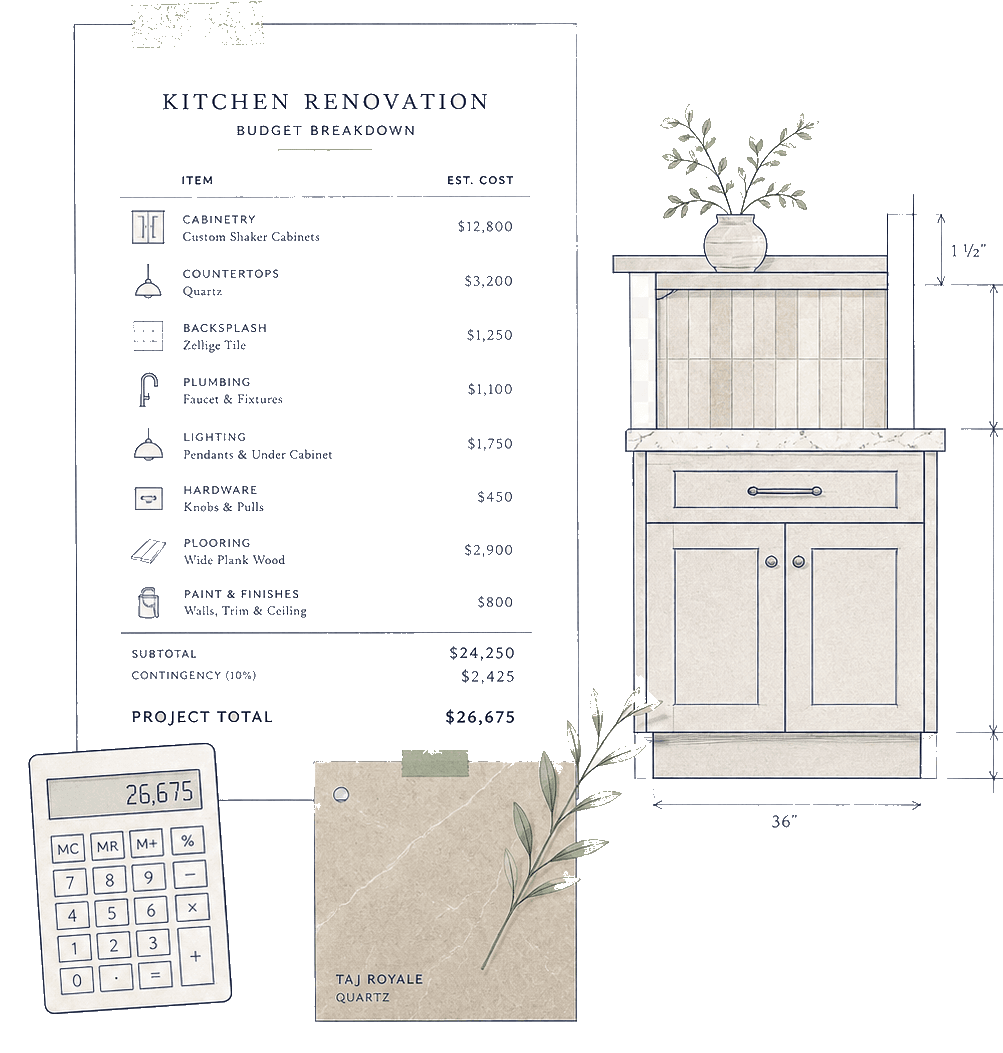
Keep the changing cost picture visible as quotes and purchases arrive. Organise planned spending lines beside recorded purchases, supplier links and project notes as costs become clearer.
Free for UK homeowners. No credit card required.
Planned and recorded figures stay distinct
Planned spending
£18,500
Example planned midpoint
Recorded purchases
£12,300
Example confirmed records
Why they stay separate
Planned lines help you think ahead. Recorded purchases are the source of truth for recorded spending, so Pocketa does not add the two totals together.
210+ UK retail partners
Save across appliances, lighting, tools, hardware, finishes and more with 210+ retail partners beside your project.
Appliances · lighting · tools · hardware · finishes · home

Plusshop

Tooled Up

Hiatt Hardware

Hughes

Lightsin

Doulton

Custom Splashbacks

SharkNinja

Ooni
Try a live example
See why planned and recorded figures never get added together
Record another example purchase and watch the two totals stay distinct.
Example only
Planned spending stays separate from recorded purchases
Planned spending and recorded purchases are kept separate so the two totals are not added together.
Planned spending
£8,100
- Cabinets£4,200
- Worktops£1,800
- Appliances£2,100
Recorded purchases
£900
- Cabinet deposit£900
Demo control
 Spending
Planned lines
Planned spending lines hold planning ranges and optional notes.
Recorded purchases
Confirmed purchase records hold recorded spending and stay separate from planning notes.
Receipt note
Add the reference or note where the original receipt is kept.
Planned spending
Editable planned categories within the same kitchen project.
Recorded purchases
Confirmed purchases kept separate from planning notes.
See the common drivers that can move kitchen renovation spend before you shortlist.
Spend driversSpend drivers
What can shape kitchen renovation spend
Treat the list below as orientation, not a quote. Your supplier and your fitter remain the right people to confirm what is included and what may create variation.
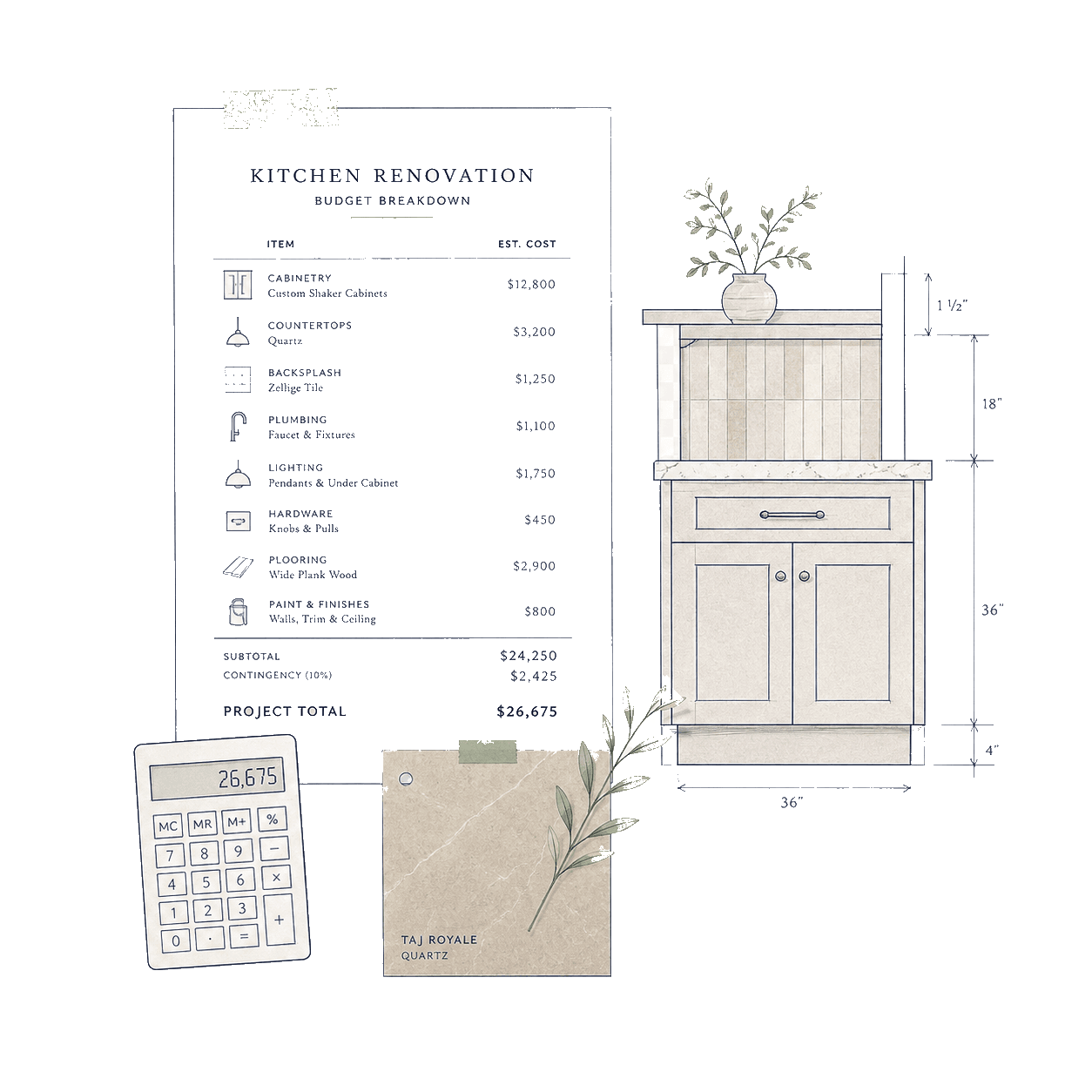
- Driver
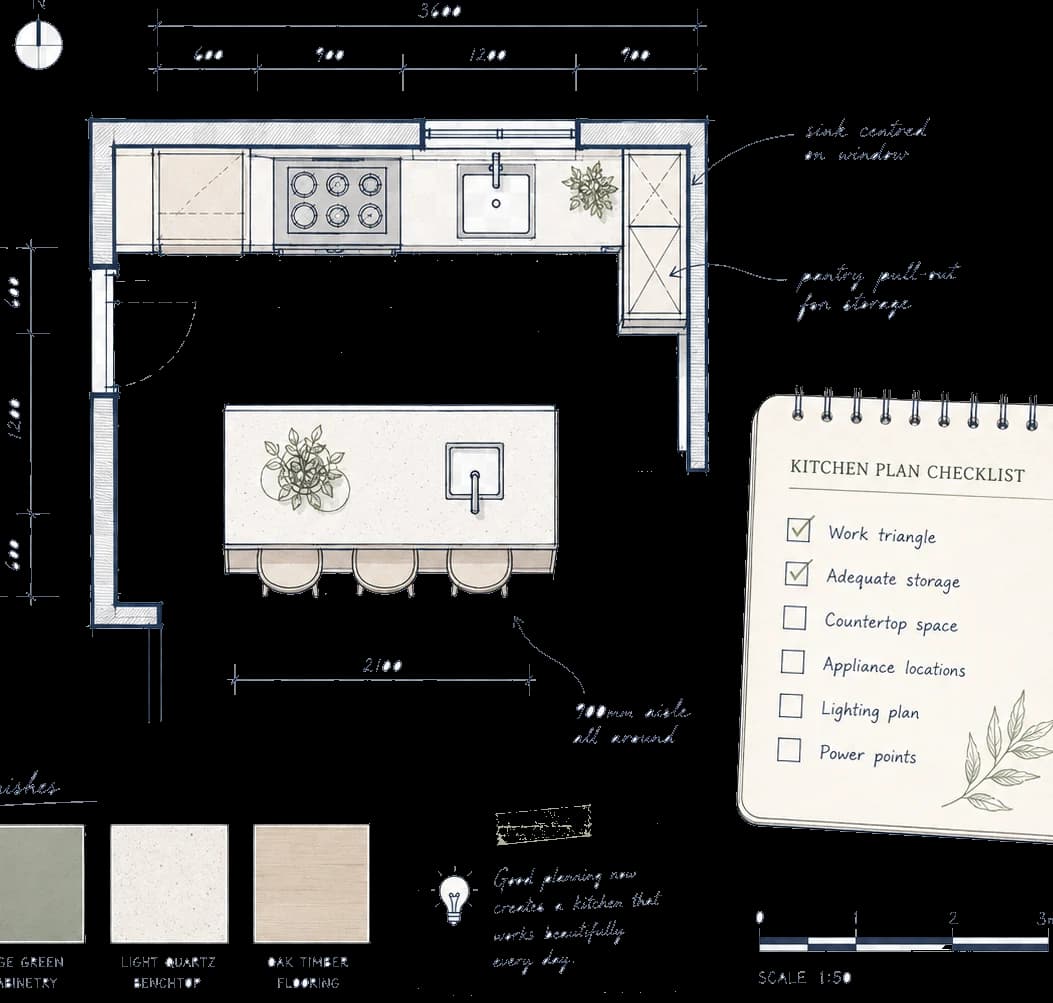
Scope and layout
Moving services, altering walls or changing the footprint commonly shifts cost more than swapping like for like finishes.
- Driver
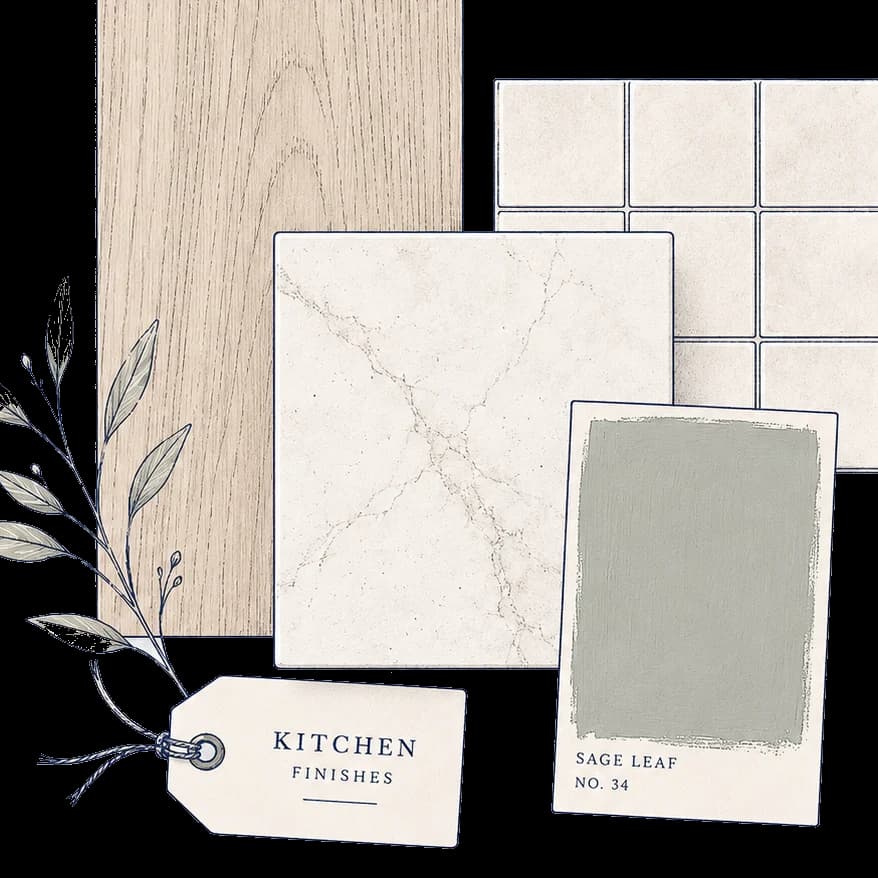
Product level and brands
Appliances, cabinets and worktops can span wide price bands. Similar looking ranges may differ in specification, delivery and aftercare.
- Driver
Suppliers and timing
Lead times, promotions and supplier-site stock can change what you pay and when you need to commit. Treat catalogue figures as planning snapshots until you confirm on the supplier site.
- Driver
Specialist work
Electrical, gas, plumbing, structural or building control steps may apply depending on your property and design choices.
Categories
Product categories that affect spending
A checklist style view helps you see the whole basket, not only the headline items. Not every line will apply to every kitchen.
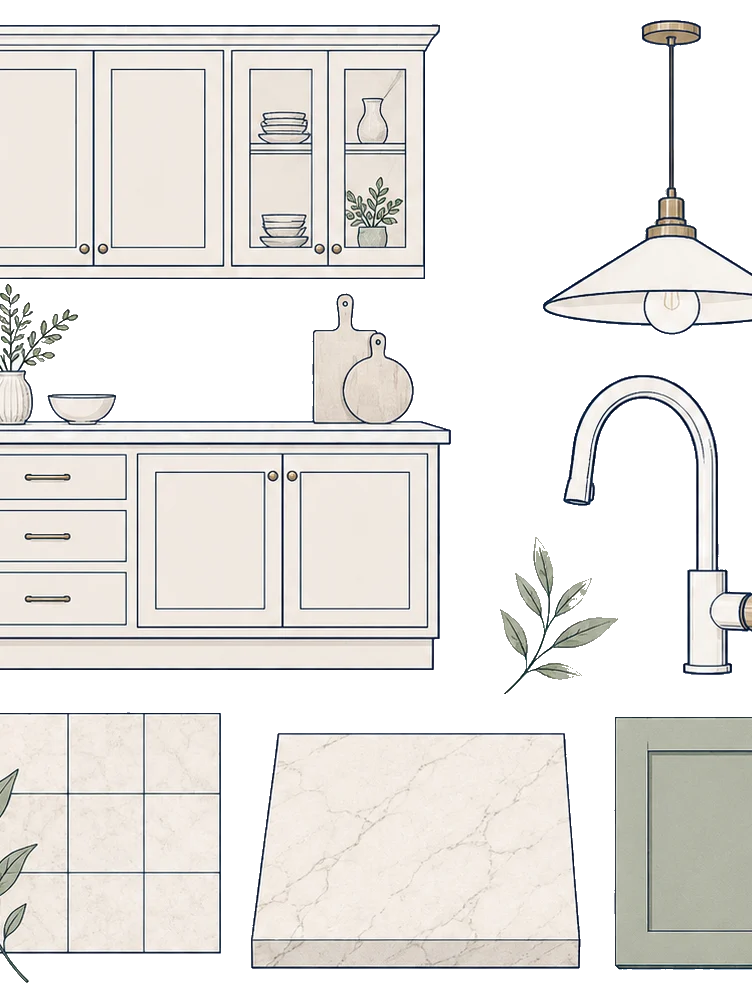
Cabinets, doors and internal storage
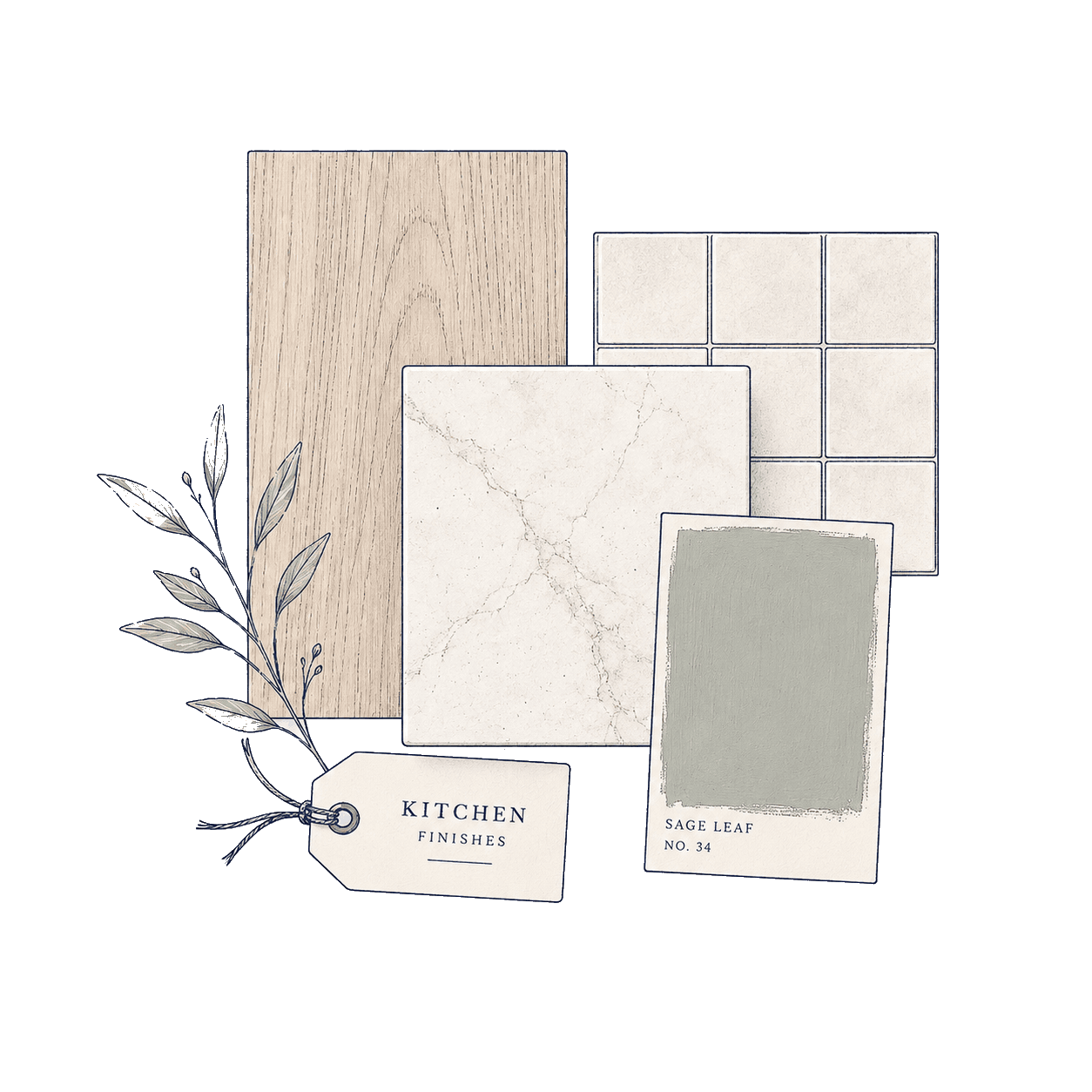
Worktops and splashbacks
Appliances, extraction and lighting
Sinks, taps and water treatment where used
Flooring, decoration and finishing trims
Pocketa or a spreadsheet?
Use the tool that fits the job
A spreadsheet can be excellent for custom formulas and exports. Pocketa is designed for homeowners who want spending context beside the rest of the kitchen project without building that structure from scratch.
A spreadsheet may suit you when
You need bespoke formulas, exports or accounting-style reporting
You are comfortable designing and maintaining your own categories
Spending does not need to sit beside your project checklist and product record
Pocketa adds project context
Editable planned categories within the same kitchen project
Recorded purchases kept separate from planning notes
Product links, outside purchases, checklist progress and notes nearby
One project record
Track purchases in one place, no matter the supplier
Your cabinets, appliances, worktops, tiles and trade work may come from different businesses. Pocketa keeps the homeowner record independent while preserving the distinction between planned figures and confirmed purchase records.
Planned and recorded stay separate
Planned spending lines hold planning ranges and optional notes. Confirmed purchase records hold recorded spending. Pocketa shows both without adding them into one misleading total.
Purchases from any supplier
Record confirmed purchases made through supported supplier routes or bought elsewhere, with links and text notes where available. Add the reference or note where the original receipt is kept.
Estimator or organiser?
Still working out the likely spending range? Start with the Kitchen Cost Estimator for UK planning ranges, or read the kitchen renovation budget guides for what £5,000 to £60,000+ projects commonly need to cover. Already collecting quotes and confirmed purchases? Use your Pocketa project to keep planned categories beside recorded purchases as the cost picture changes.
Primary next step
Build a spending record that can change with your project
Create a free kitchen project, add or edit planned spending categories and keep confirmed purchases visible as the real numbers arrive. If you want a category starting point first, complete the detailed cost estimate and review what can carry into project setup.
Free for UK homeowners. No credit card required.