
Kitchen renovation checklist
Kitchen renovation checklist that adapts with your project
This is the daily work of getting the kitchen in: specify, source, decide, fit and snag. Start with suggested tasks, then adapt statuses, notes and partner links as the room changes. In the workspace it opens as Manage your renovation. After the kitchen is in, Finishing touches covers furniture, garden and first dinner. Saved products is your shortlist, not this list.
Free for UK homeowners. No credit card required.
210+ UK retail partners
Save across appliances, lighting, tools, hardware, finishes and more with 210+ retail partners beside your project.
Appliances · lighting · tools · hardware · finishes · home

Plusshop

Tooled Up

Hiatt Hardware

Hughes

Lightsin

Doulton

Custom Splashbacks

SharkNinja

Ooni
Inside a checklist line
More context than a tick box
The live checklist combines progress labels with the project information that helps a homeowner understand what still needs attention.

Use the prompt to prepare the right questions for your fitter or supplier, then continue when you are ready.
Prompts when decisions connect
Get a prompt when one decision affects another, such as unsettled room measurements before you mark a worktop or hob decision as settled.
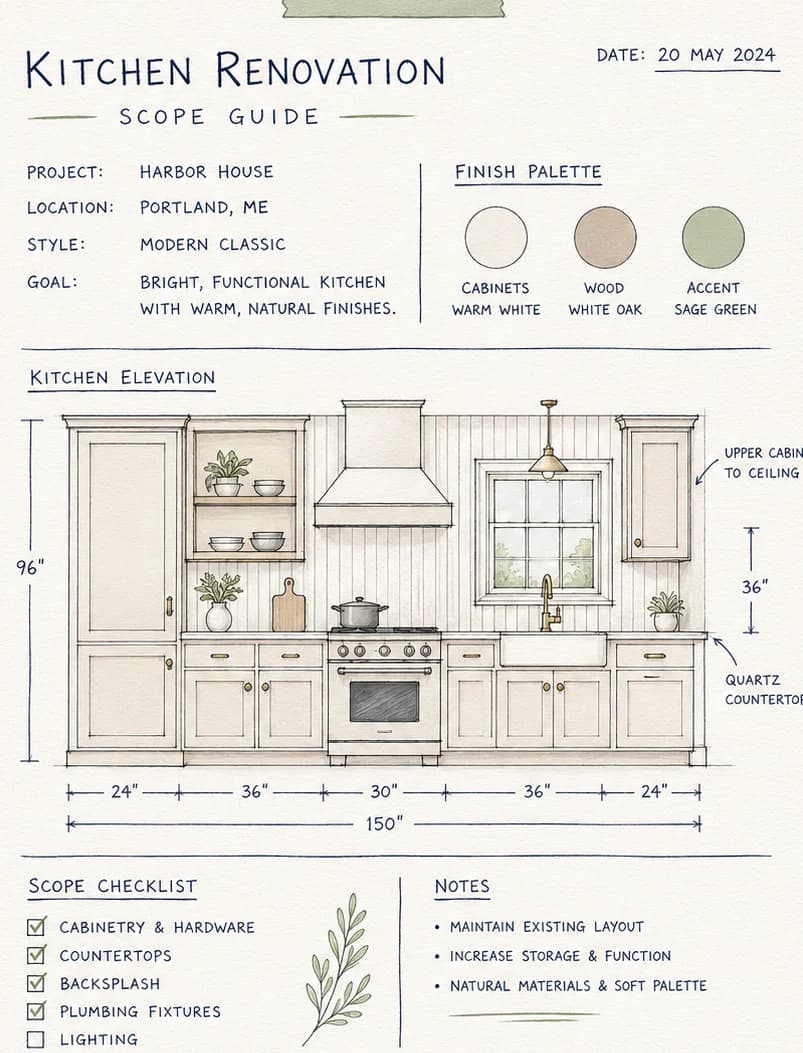
Context beside the line
Keep project notes, questions and open issues with the relevant checklist line so the detail does not disappear into a separate message thread.
Use the checklist to prepare questions and coordinate decisions with your trades.

Sourcing records and partner discounts
Sourcing lines can connect to saved catalogue products or bought-elsewhere records, including links, prices, supplier notes and delivery dates. Claim deal strips and live partner Visit links sit beside buy-relevant sections so you can compare discounts on retailer sites without leaving the project record.
Buy from Pocketa partners, claim live savings, or add products bought anywhere else. Partners cannot pay for a more prominent slot. Eligible partners are limited by renovation fit first; commercial terms may influence order within that set.
Try a live example
Dependencies stay visible instead of hidden in a tick box
Try marking a later task complete before its prerequisite is confirmed and see how the checklist responds.
Example only
Dependencies stay visible in plain language
Trying to mark a later task complete gently highlights what still needs confirmation. The connector is an aid; the explanation is required reading.
Integrated appliance install depends on first-fix and electrical capacity being confirmed, and worktop templating should wait until cabinets are fixed. Pocketa surfaces those relationships; it does not certify the site sequence.
Confirm first-fix and electrical capacity
Ready: prerequisite for appliance install.
Template worktops after cabinets are fixed
Awaiting confirmation that cabinets are set.
Install integrated appliances
Depends on services confirmation above.
Integrated appliance install depends on first-fix and electrical capacity being confirmed, and worktop templating should wait until cabinets are fixed. Pocketa surfaces those relationships; it does not certify the site sequence.
Demo control
Checklist order helps organise work questions; it does not certify the trade sequence for your property.
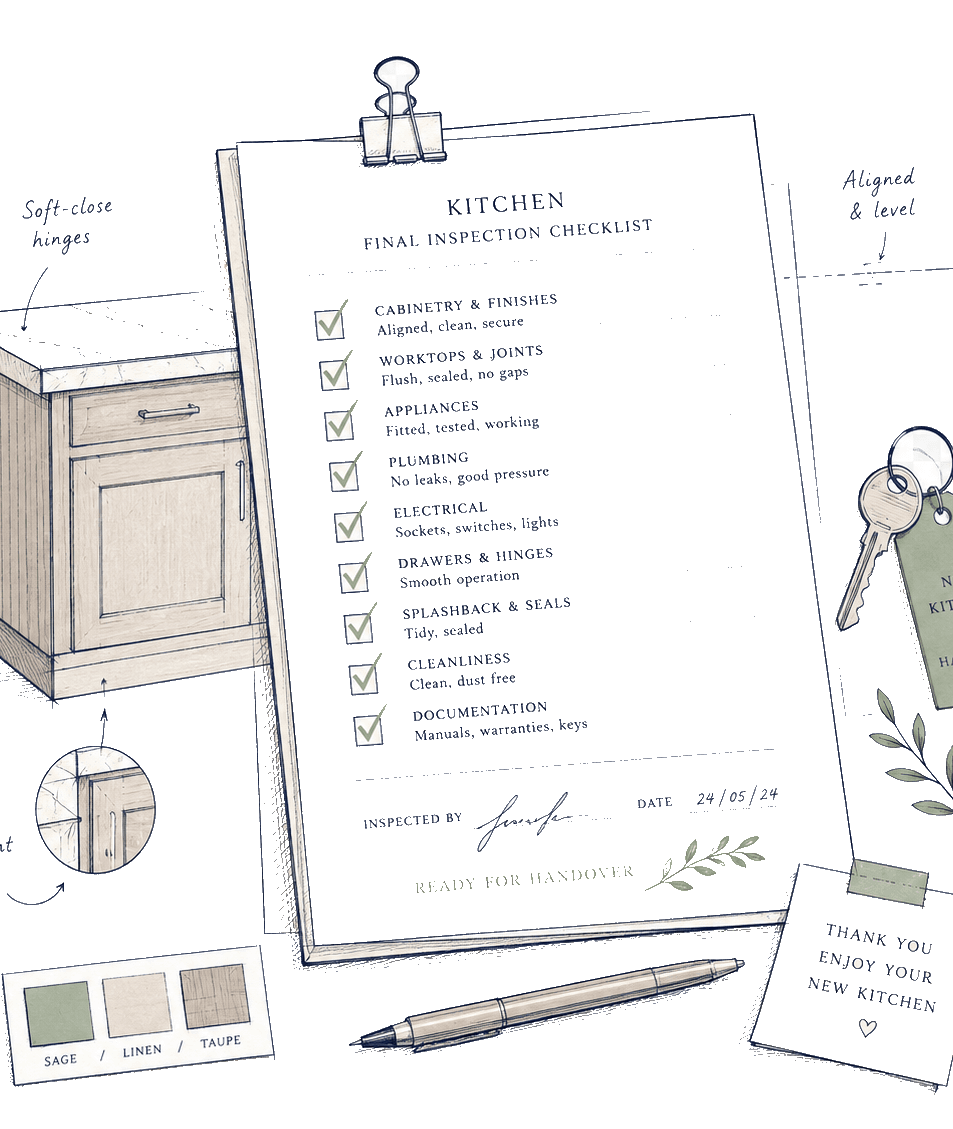
Editable lines
New lines can be skipped, renamed or reordered to reflect the scope you record, then updated as products, deliveries and site questions change.
Dependencies
Get a prompt when one decision affects another, such as unsettled room measurements before you mark a worktop or hob decision as settled.
Professional confirmation
Use the checklist to prepare questions and coordinate decisions with your trades.
Expand each stage to see representative live template labels and statuses. Your project may include more, fewer or different lines after setup.
Interactive public preview
Explore four parts of the checklist
Expand each stage to see representative live template labels and statuses. Your project may include more, fewer or different lines after setup.
01Project setup and measurements
Record the project frame and keep measurements or possible layout changes visible before product decisions move too far.
- Project stage and scopeComplete
- Room measurementsIn progress
- Layout change noteNeeds attention
02Products and services
Track units, worktops, sinks, appliances and service questions without treating a decision as proof of purchase.
- Worktop choiceReviewing
- SinkNot started
- HobSaved option
03Trade coordination and delivery
Keep booking, access and delivery information together while qualified trades retain responsibility for technical decisions.
- Kitchen fitter bookedChecking
- Delivery date confirmedWaiting for delivery
- Access restrictions noteNot started
04Completion and records
Keep snags and aftercare details visible as fitting finishes and project records settle.
- Snag listSnag open
- Receipts and warrantiesReviewing
- Manuals fileNot started
Start where you are
Useful before work starts or after the project becomes scattered
Set up a project in advance, or join mid-renovation and mark what is already settled, delivered, installed or no longer needed. Manual lines and notes let the record change with the room.
Want a cost range first?
Run the estimator without an account. A reviewed detailed result can carry assumptions and category starting points into project setup.
Open the free kitchen cost estimatorPrimary next step
Build your editable project checklist
Create your secure account, record your current kitchen scope and generate a starter checklist to review. You remain free to add, hide and update lines as the project develops.
Free for UK homeowners. No credit card required.