









PocketaSmart, organised renovationsPlan. Source. Renovate.

Kitchen renovation planner

Kitchen renovation planner: plan the stages, not just the layout

Build an editable project checklist to organise scope, sourcing, deliveries and trade questions in one place, whether you are planning ahead or catching up mid-renovation. Confirm the live sequence with your fitter.

Free for UK homeowners. No credit card required.

Pocketa complements your kitchen design by organising the wider project.

Flexible project map

Four planning stages you can adapt

  1. 01Early scope
  2. 02Category decisions
  3. 03Purchasing window
  4. 04Site readiness

Adapt the map with your fitter, suppliers and qualified trades as details become clearer.

190+ UK retail partners

Save across appliances, lighting, tools, hardware, finishes and more with 190+ retail partners beside your project.

Appliances · lighting · tools · hardware · finishes · home

Browse all partners
  • Plusshop logo, a Pocketa retailer partner

    Plusshop

  • Tooled Up logo, a Pocketa retailer partner

    Tooled Up

  • Hiatt Hardware logo, a Pocketa retailer partner

    Hiatt Hardware

  • Hughes logo, a Pocketa retailer partner

    Hughes

  • Lightsin logo, a Pocketa retailer partner

    Lightsin

  • Doulton Water Filters logo, a Pocketa retailer partner

    Doulton

  • Custom Splashbacks logo, a Pocketa retailer partner

    Custom Splashbacks

  • SharkNinja logo, a Pocketa retailer partner

    SharkNinja

  • Ooni logo, a Pocketa retailer partner

    Ooni

Kitchen design

Layout and range decisions

Use a retailer planner or designer for drawings, visualisation and range quoting.

Pocketa project plan

The wider renovation record

Pocketa complements your kitchen design by organising stages, products, purchases and next steps across suppliers.

Follow one project

See a stage-by-stage example you can adapt

Select a stage to see typical records, open questions and connected products you can adapt to your project.

One example project

Follow the same project through each stage

Selecting a stage updates typical records, open questions, connected products and professional checks. Adapt the stages to your project and agree the live sequence with your fitter.

Typical records

  • Stage and work type
  • Layout change flag
  • Already sorted areas

Open questions

  • Where does the project stand today?
  • What is already decided?

Connected products

  • Areas still open

Professional checks

  • Planning constraints if layout changes

Messy middle

Built for the messy middle of renovation

Kitchen projects rarely move in a straight line. Without a shared record, it is easy to duplicate work, miss a dependency or forget what you agreed to check before purchase. Fewer missing parts start with clearer visibility.

Catch up a renovation that has already started
Decision map flow for renovation choices
  • Quotes arrive on different timelines and in different formats

  • Product choices depend on layout, services and finish level

  • Trades may need answers before you feel ready to lock items in

  • Small details surface late if categories are not visible early

Map scope, sourcing, purchasing and readiness before you commit the live sequence.

Stage map

Order of work

Kitchen renovation order of work, without the spreadsheet sprawl

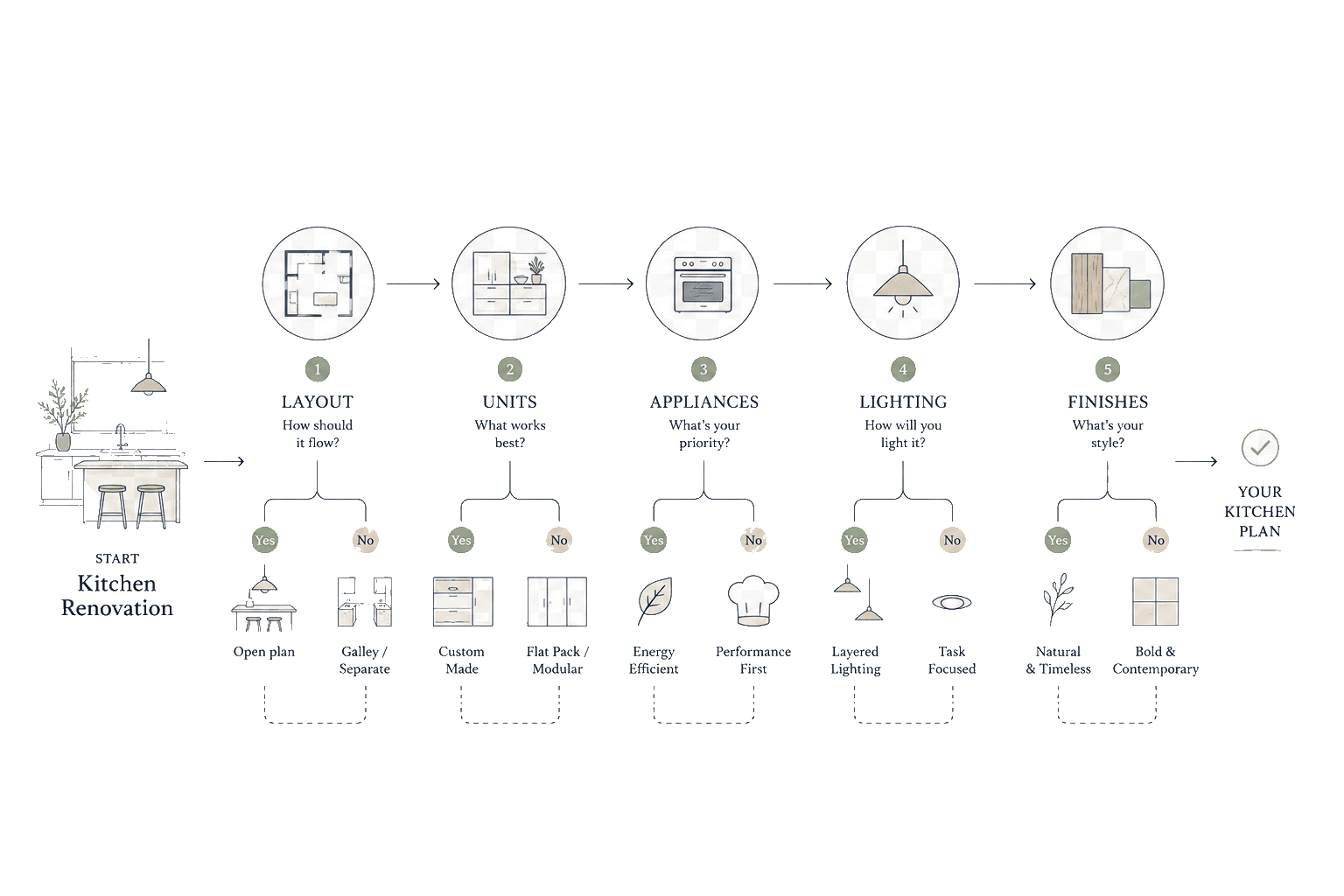
You answer a short setup flow so Pocketa can suggest categories that may apply for UK kitchens. You then edit the checklist, save products, add notes and update statuses as your confidence changes.

Cropped cabinet elevation cards from a kitchen planning illustrationOrder of work
  1. Track decisions

    Use notes for assumptions you still need to validate. Use saved items for shortlists.

  2. Record purchases

    Use purchase fields when you are ready to record what you actually bought, including links and text receipt details where helpful.

  3. Agree the sequence

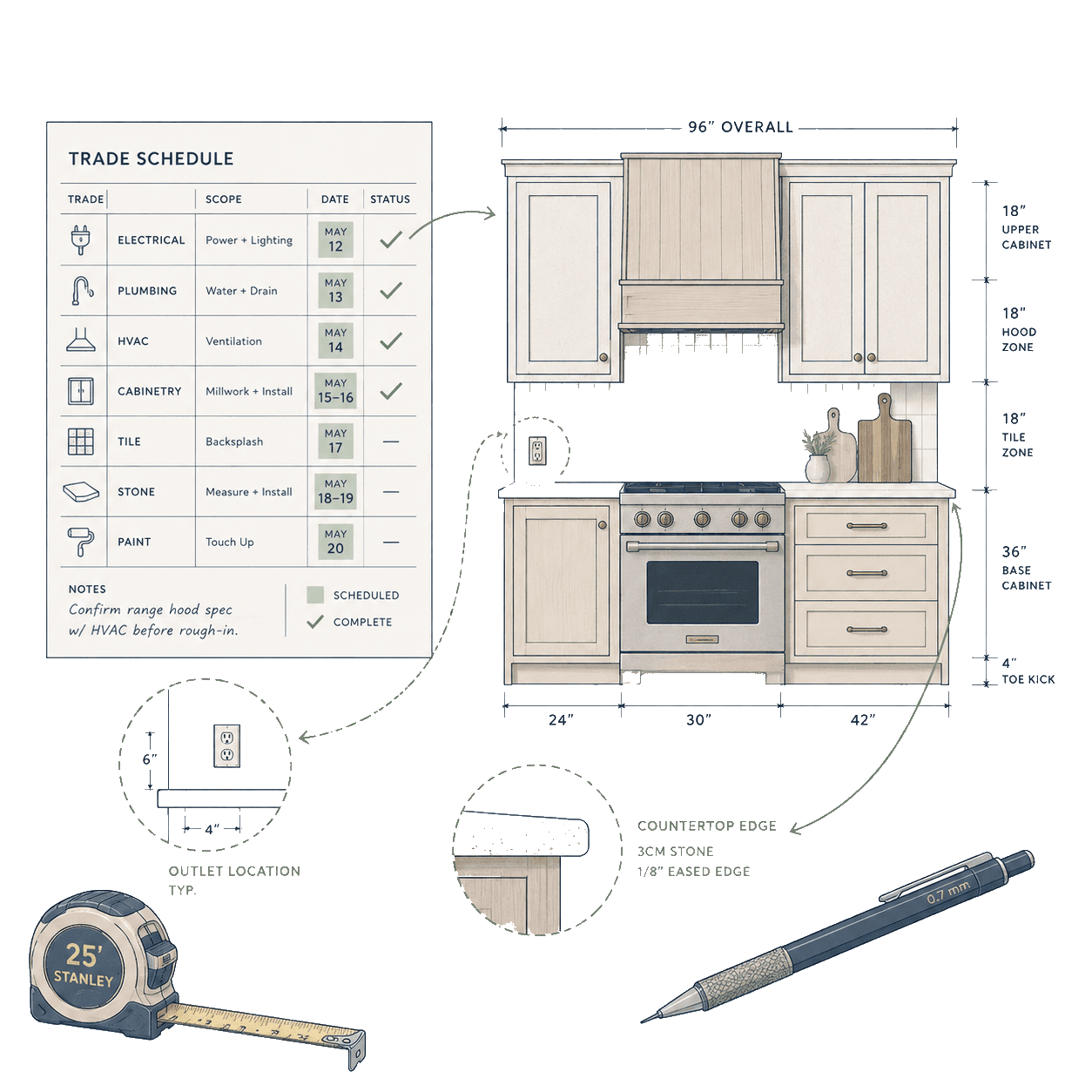
    Keep timing and suitability questions visible, then confirm them with suppliers and trades.

Trade schedule elevation for coordinated work

Project stages

Project stages preview

Your real timeline will differ. Treat this as a simple map you can adapt rather than a rigid programme.

Early scope

Early scope

Doorway and cabinet divider illustration fragmentStage 01
  1. What you organise

    Capture what may apply, what is unknown and what you want to revisit after a site visit or measure.

  2. Keep visible

    Keep open measurements and service questions visible so early prices stay easier to compare with your fitter and suppliers.
Decisions

Category decisions

Inspection checklist sheet fragmentStage 02
  1. What you organise

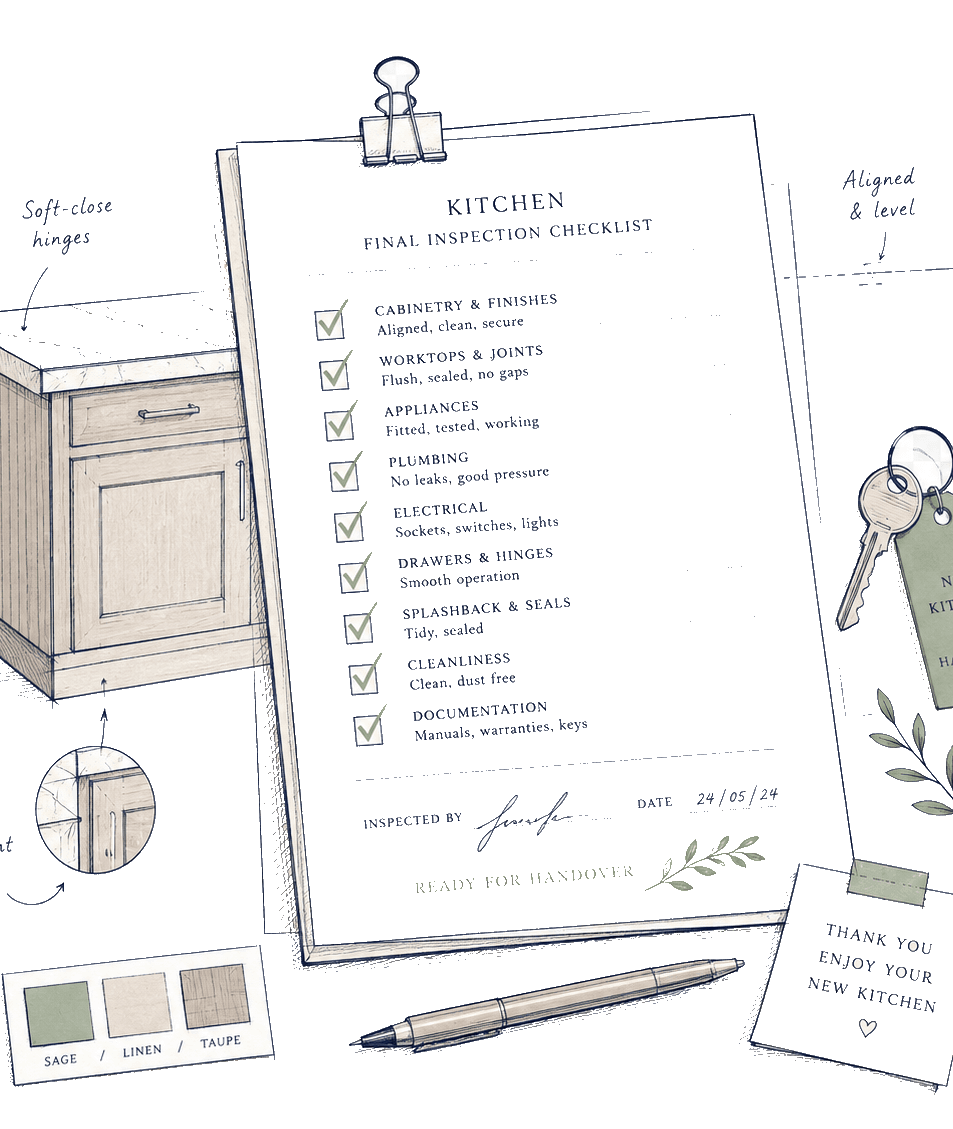
    Work through cabinets, worktops, appliances, sinks, taps and services in an order that suits your project.

  2. Keep visible

    Keep dimensions, clearances and service needs visible until the right people have checked the specification.

Purchasing

Purchasing window

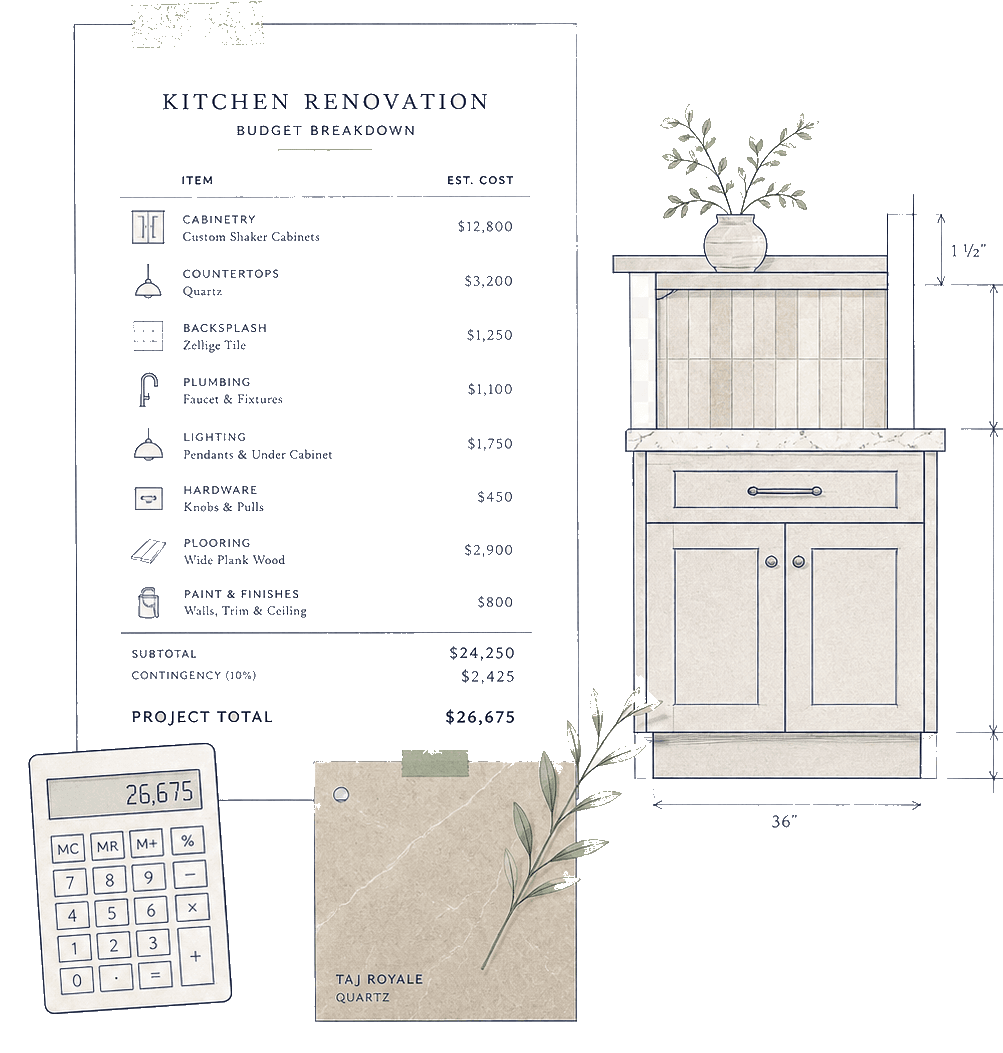
Kitchen renovation quote and spend breakdown fragmentStage 03
  1. What you organise

    Record what you bought, what is still priced as an estimate and what needs confirming before delivery.

  2. Keep visible

    Record quoted lead times and confirmed delivery dates separately, then check access and site readiness with the supplier and fitter.

Readiness

Site readiness

Scale bar with millimetre tick marksStage 04
  1. What you organise

    Note dependencies such as access dates, lead times and items that should be checked with your fitter.

  2. Keep visible

    Confirm practical handover points with the people doing the work so arrivals and fitting stay aligned.

Pocketa keeps your plans, products, costs, partner savings and project records organised. Technical, safety and installation decisions should still be confirmed with the relevant supplier, fitter or qualified professional. Confirm live offer terms with the retailer before you buy.

Procurement schedule collage across suppliers

Independent sourcing

Built for independent sourcing

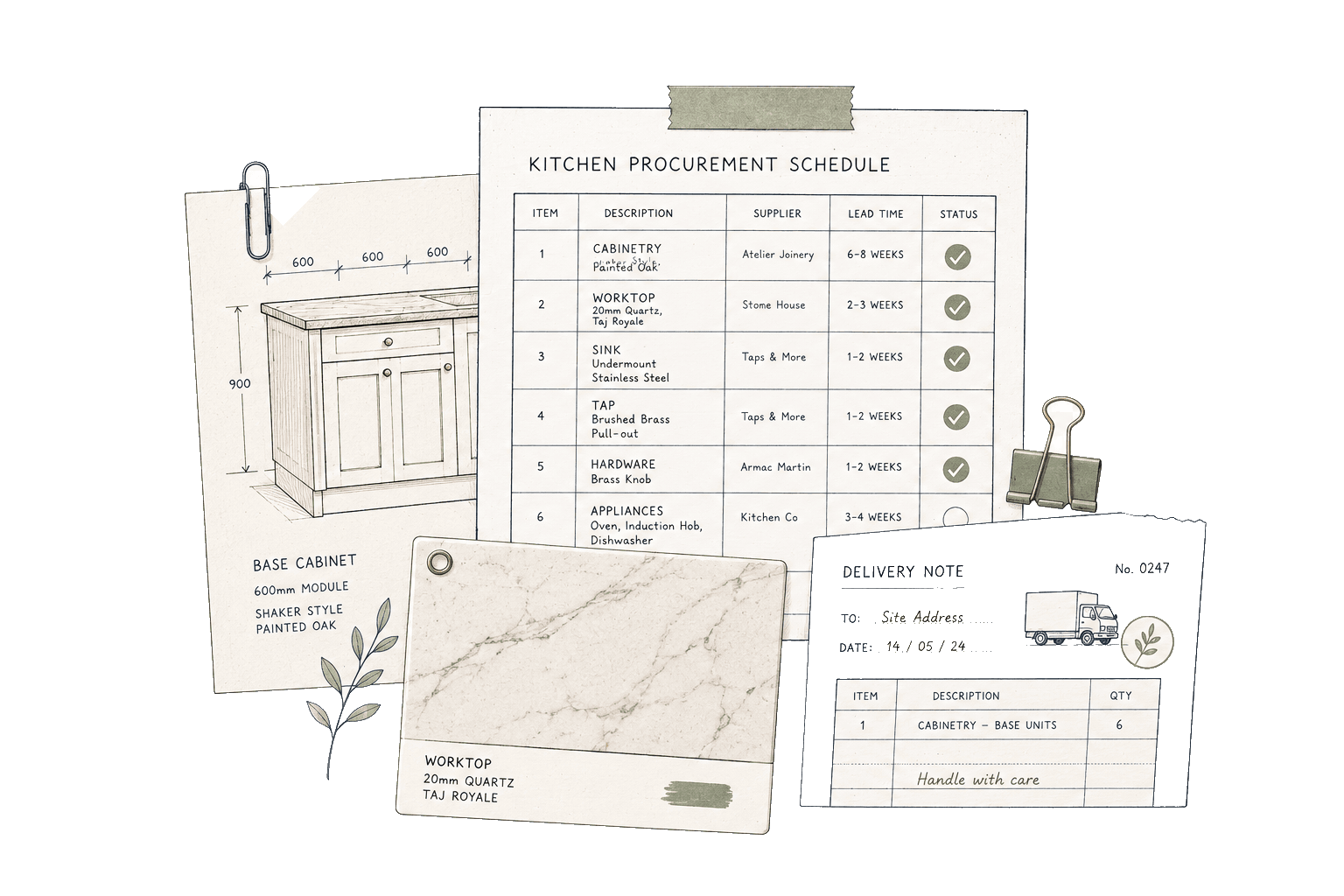
Cabinets, appliances, worktops, tiles and fitting do not have to come from the same business. Keep supplier links, prices, delivery notes and purchases made elsewhere in one project record, then use that record to discuss dates and dependencies with your fitter and suppliers.

Read why Pocketa is free

Primary next step

Turn these stages into your project plan

Create a free project, answer the short setup questions and generate a starter checklist that you can adapt to your kitchen scope. Keep planning notes, products and purchases beside it as the project changes.

Free for UK homeowners. No credit card required.