
Start my free project
Create your free kitchen project
Create your free account, answer a few project questions and review your starter checklist. Plan ahead or catch up mid-renovation with quotes, deliveries, partner discounts and spending in one place.
Free for UK homeowners. No credit card required.
Pocketa is free for homeowners. When you follow an eligible partner link and make a purchase, Pocketa may earn a commission from the retailer. The partner link does not add a Pocketa fee. You are always free to compare prices and buy elsewhere.
The setup flow below is a public preview. To create a real project, sign up or log in and start from your workspace.
Example project frame
- Project stageTo review
- Product areas already sortedSorted
- Spending directionMay apply
- Bought elsewhere trackingCheck first
- Checklist createdSorted
210+ UK retail partners
Save across appliances, lighting, tools, hardware, finishes and more with 210+ retail partners beside your project.
Appliances · lighting · tools · hardware · finishes · home

Plusshop

Tooled Up

Hiatt Hardware

Hughes

Lightsin

Doulton

Custom Splashbacks

SharkNinja

Ooni
After you start
What your setup helps you organise
- Setup
Your project stage
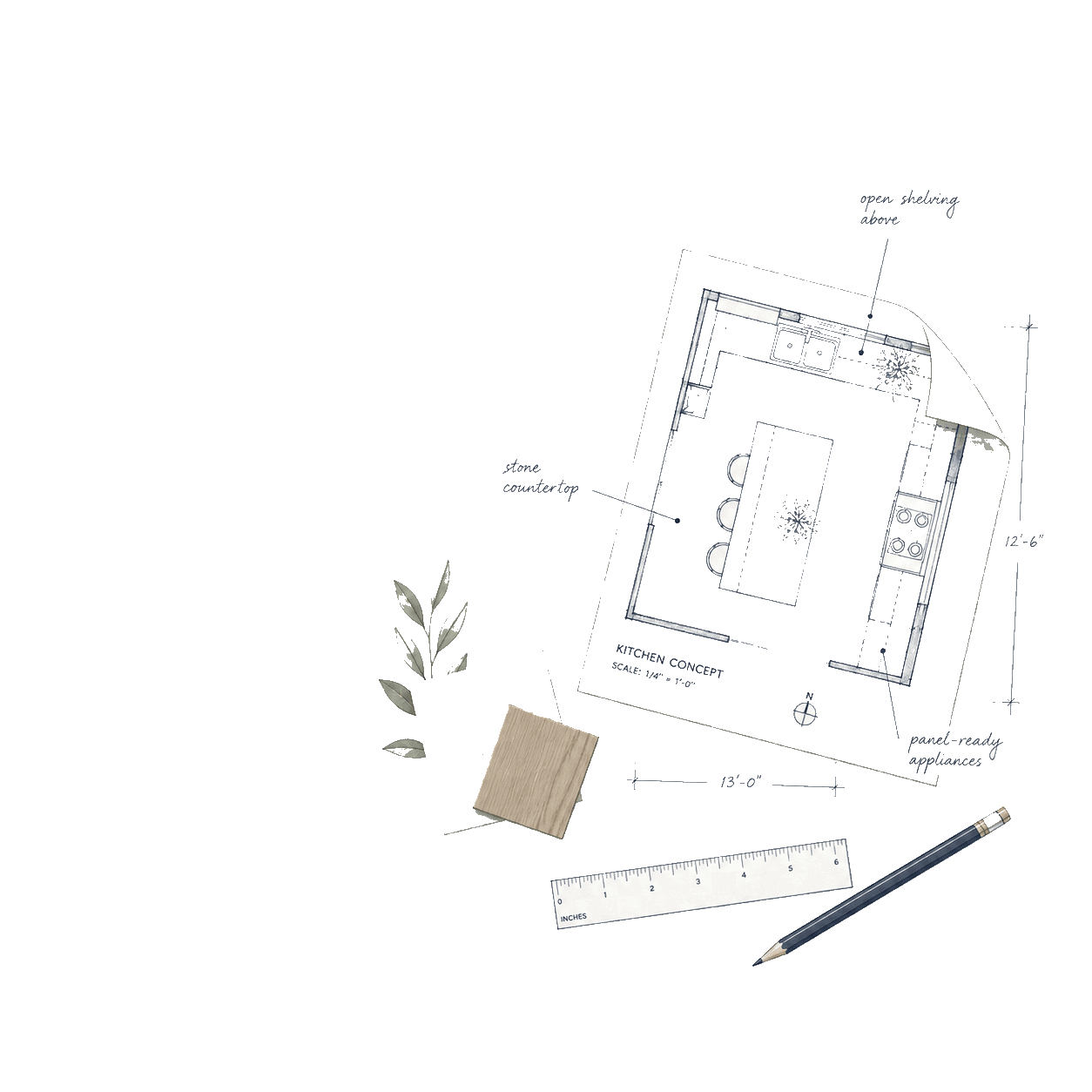
Whether you are sketching ideas, comparing quotes or already mid fit, your answers help Pocketa open with the right emphasis so nothing important feels buried.
- Setup
Which products may apply
You start from a broad kitchen checklist of categories that commonly apply, such as cabinets, worktops and appliances. You can hide or extend lines that do not match your room.
- Setup
What is already sorted
If you have picked sinks, appliances or finishes, you can note that early and mark checklist lines yourself so completed work stays visible in one place.
- Setup
What to track next
Statuses, notes and reminders can sit alongside saved items so week to week progress stays visible without juggling spreadsheets or inbox threads.
Try a live example
See how setup answers become checklist lines
Choose a project stage and a few product areas below to see the same skip, rename and status language used in the real workspace.
Example only
Setup answers shape a checklist preview
Choose a project stage and up to three product areas. The preview uses the same kind of skip, rename and status language as project setup. It does not create an account or save a project.
Confirm project stage and work type
Always included from setup
SortedCabinets and doors
Added for review from your product areas
To reviewWorktops
Added for review from your product areas
To reviewAppliances
Added for review from your product areas
To reviewCheck first-fix and electrical capacity
Prompted early so services are not left late
To review
Answer enough to create useful structure, then generate and review your editable checklist.
Checklist momentWe could not find a saved estimate on this device. You can still use the preview below, or run a new cost estimate. Run a new cost estimate.
In your workspace
A short setup flow, not a long form
Pocketa asks enough to create useful structure without asking you to plan every detail at once. You can return later as the renovation develops.
The cards below show example questions for this public preview. Sign up to run the live setup flow in the app.
Preview question 01
What stage is your kitchen renovation at?
Preview question 02
Are you replacing like for like, changing the layout, or still deciding?
Preview question 03
Which product areas have you already sorted?
Preview question 04
Are you using trades, managing it yourself, or still deciding?
Preview question 05
Do you want to track items bought elsewhere?
First value moment
Your first value moment is the checklist
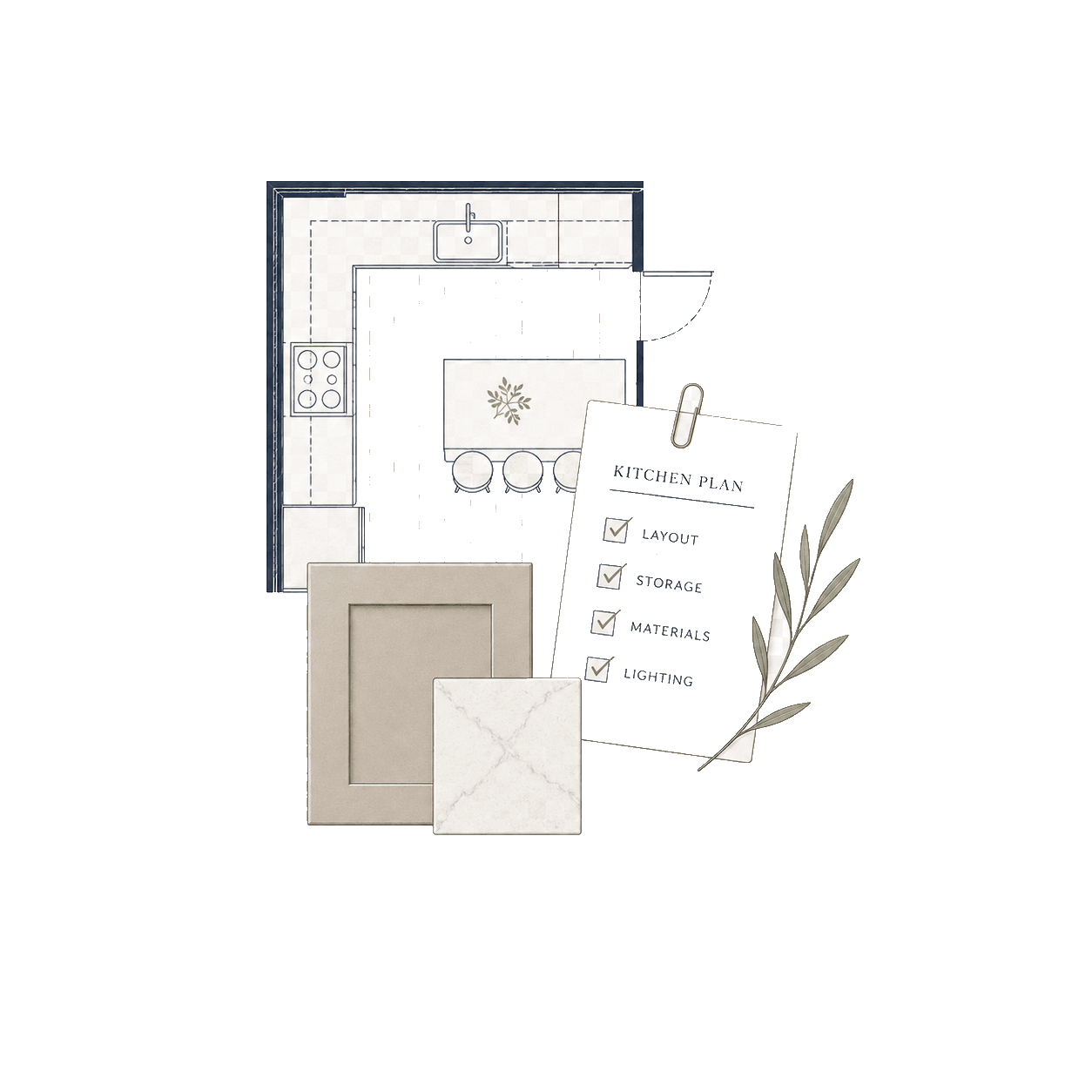
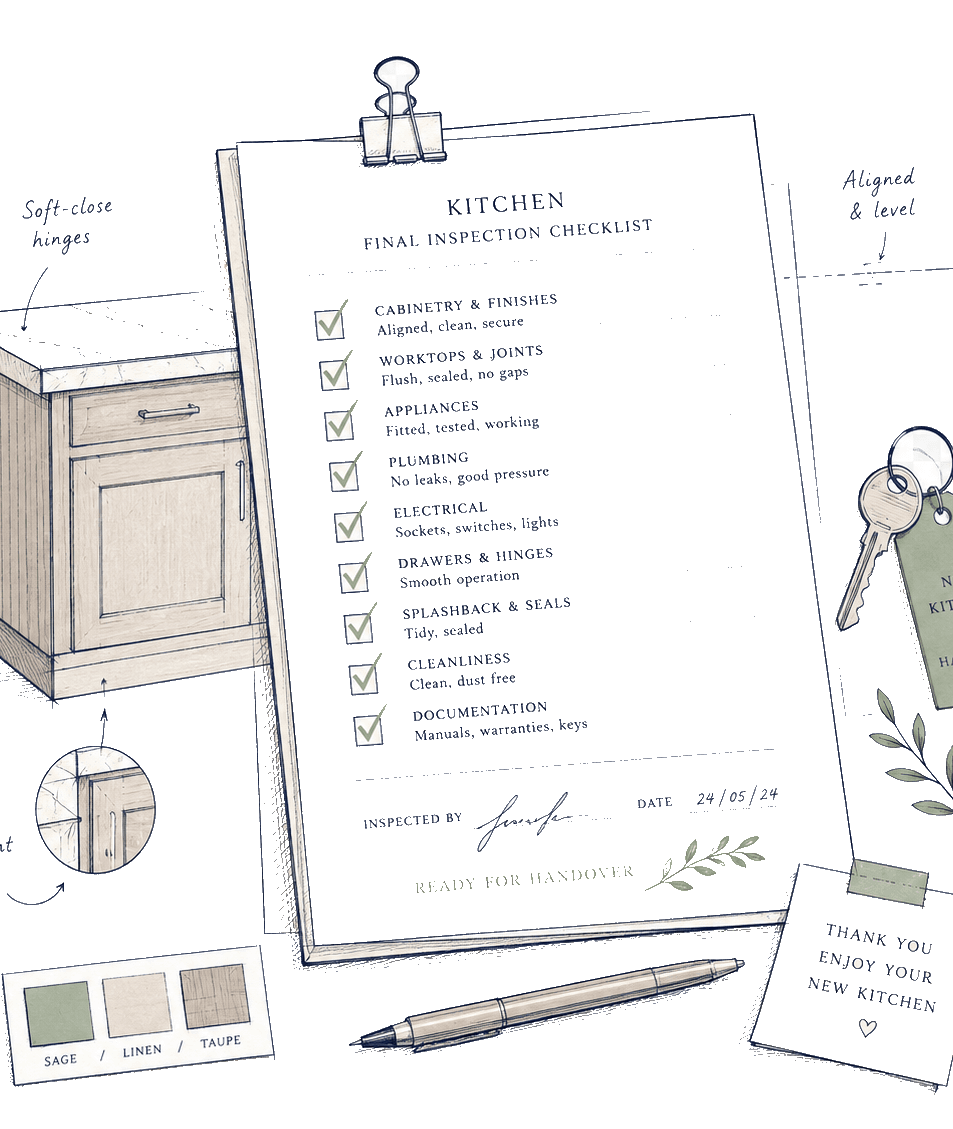
After setup, the aim is an editable checklist for getting the kitchen in. In the workspace that list opens as Manage your renovation. You see categories that may apply, what still needs attention and what should be confirmed with the right person.
Answer
Share enough context for a useful starting structure.
Generate
Add an editable starter checklist shaped by your setup answers.
Review
Edit, hide or extend lines before you move on.
Mid-renovation
Already started? You can still use Pocketa
You do not need to be at the beginning of the renovation. If you have already chosen cabinets, ordered appliances or bought items elsewhere, create a project now and use the live checklist to mark what is sorted, record outside purchases and organise what remains.
See the mid-renovation catch-up sequence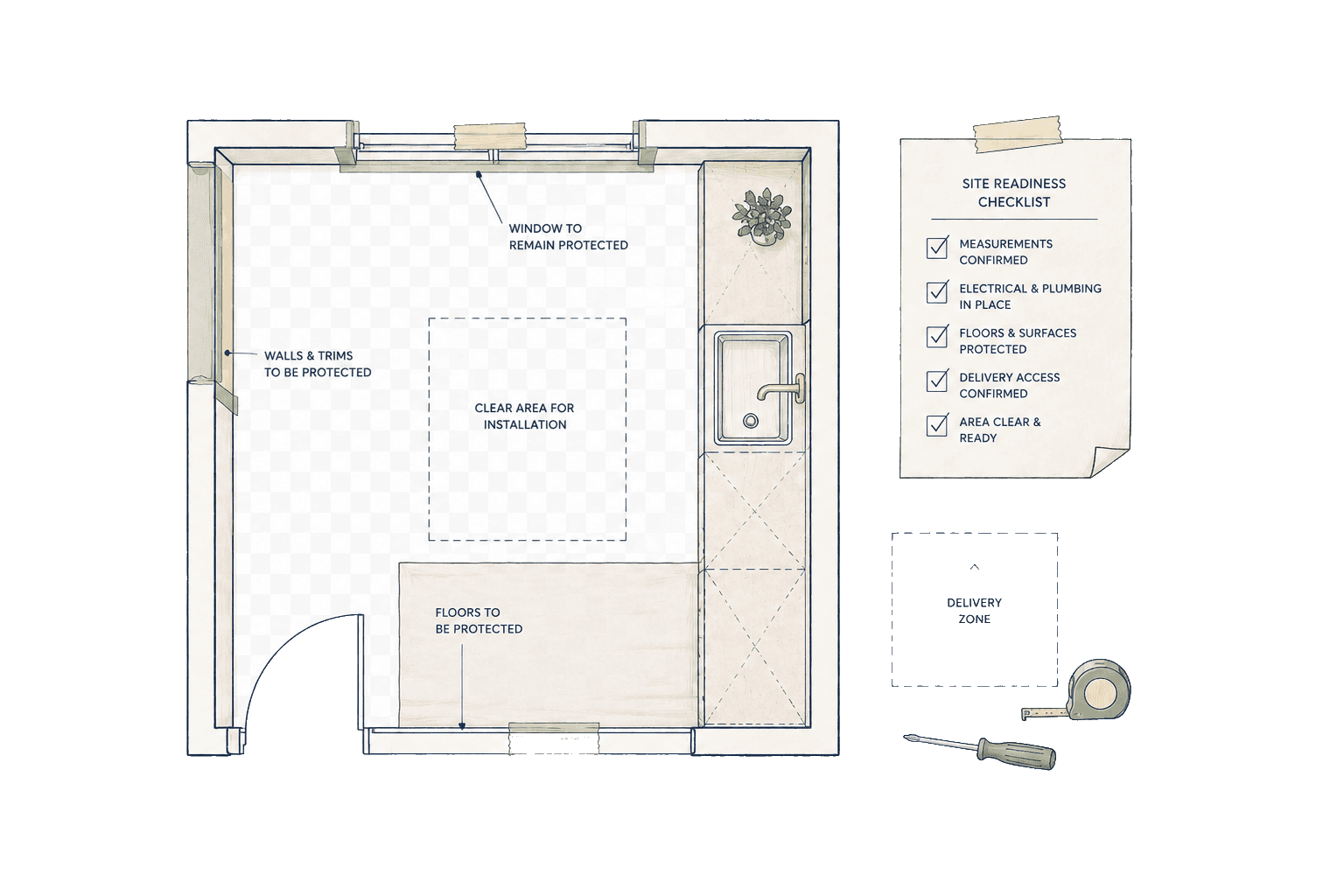
Primary next step
Create your free kitchen project
Sign up to answer a few project questions, review your starter checklist and keep the project record in your account.
Already have an account? Log in and continue from your workspace.
Free for UK homeowners. No credit card required.